Skip to content
Details

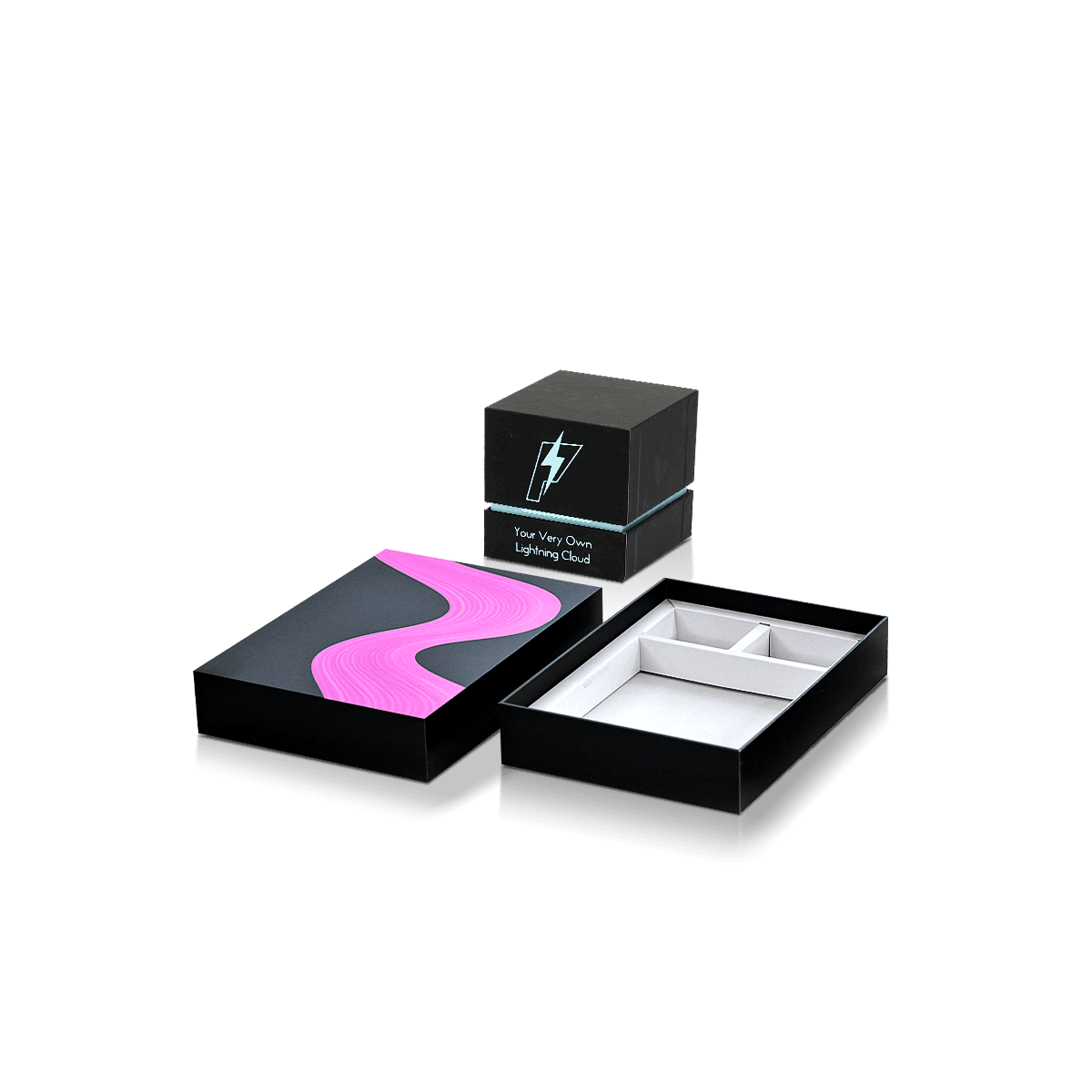
Custom Electronic Accessories Boxes

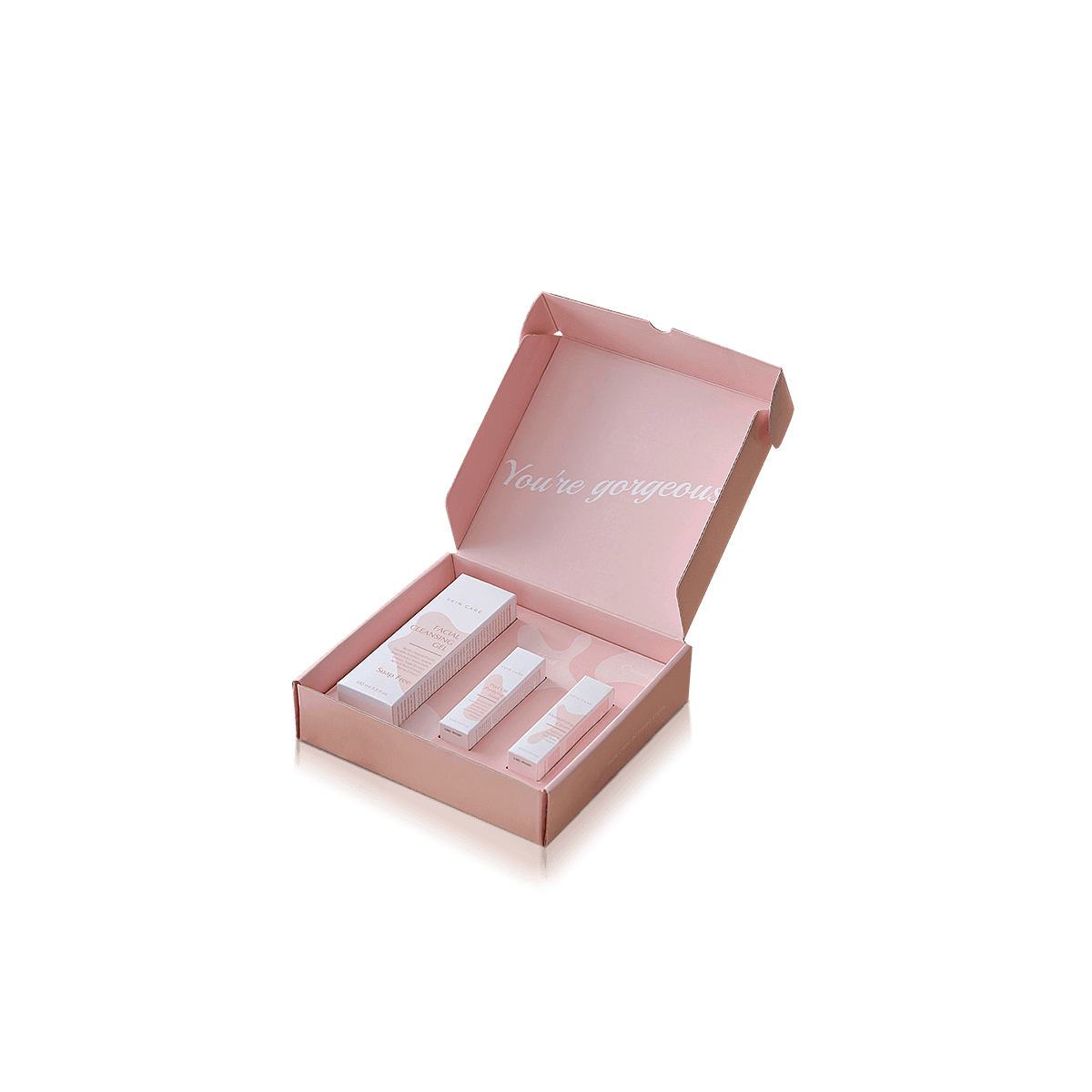
Electronic accessories boxes help varied gadget lines look organised, retail-ready and easier to fulfil. They suit adapters, hubs, styluses, remotes, card readers and bundled add-ons where product fit, clear labelling and tidy presentation all need to work together.

Standardise Without Oversizing

Mixed tech lines usually fail at one of two extremes: every SKU gets a completely different carton, or every product is forced into the largest box. Hubs, card readers, styluses, remotes and dongles need a middle ground where shared rules reduce complexity without creating wasted space.

Custom Electronic Accessories Boxes should therefore be planned as a small system of sensible footprints rather than one universal size. Standardise what the products genuinely share and let weight, shape or display method drive the exceptions.

Group by Packed Footprint

Start with the finished packed dimensions of each SKU, including any lead, instructions, backing card, insert or protective wrap. Then group products that are genuinely close in width, depth and height.

Two or three sensible carton footprints can be more useful than ten unrelated sizes or one oversized box used for everything. Standardisation only saves money when the smaller products still fit properly.

A tuck box sizing check helps before one size is reused across several accessories because the closure still needs working clearance after inserts and literature are added.

Keep Specialist Products Separate

A mixed accessory line should not absorb products that already have stronger packaging requirements of their own. Charger Boxes should own plug depth, projecting pins and wattage-led information. Cable Boxes should own coil diameter, connector bulk and cable length.

Mobile Accessory Boxes should stay centred on phone-specific compatibility, while Power Bank Boxes need more attention to concentrated weight and surface protection.

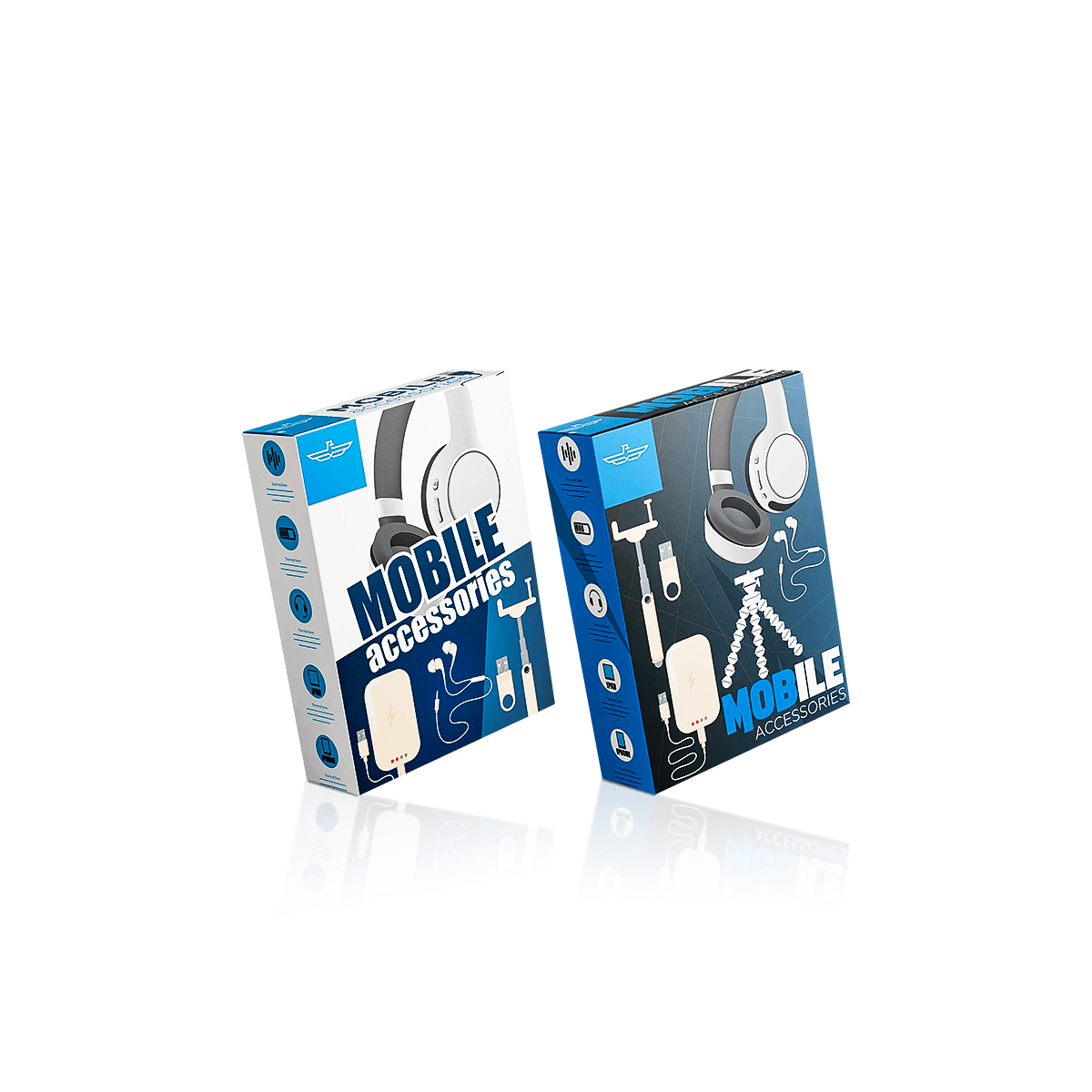
Electronic Accessories Boxes are better suited to hubs, card readers, styluses, remotes, dongles, converters, compact stands and mixed accessory sets that do not justify their own specialist packaging type.
Let Shape Choose the Carton

Small electronics are not automatically simple to package. A slim stylus, rectangular card reader and multi-port hub can occupy similar shelf space while asking very different things from the carton.

Use Tuck Cartons for Light Items

Straight tuck end boxes are a practical starting point for lightweight accessories that load easily, need clean display panels and place little pressure on the base. They also store flat, which helps when several SKUs are produced and held at once.

The carton should still follow the actual packed item. A long stylus may need a narrow vertical profile while a compact reader may suit a short horizontal carton. Keeping a consistent logo position does not require keeping identical dimensions.

Strengthen Dense Accessories

Multi-port hubs, metal-bodied adapters and boxed sets can be heavier than their size suggests. If the contents repeatedly press against a simple friction-tuck bottom, changing only to thicker paperboard may not solve the problem.

An auto bottom box can make more sense where a denser accessory needs a firmer standing base or faster repeated packing.

This is also where physical samples become useful. A free sample can help assess material feel and print quality, while a fully custom sample is more appropriate when base behaviour, fit or loading needs to be checked with the exact product.

Over-ear products should move to Headphone Boxes once the headband and ear-cup geometry becomes the dominant fit problem; forcing that shape into a generic accessory carton wastes space and weakens retention.

Make Similar SKUs Pickable

Accessory lines often contain products that look almost identical at first glance. The packaging has to stop a five-port hub, seven-port hub and card-reader version from becoming a warehouse or retail guessing game.

Reserve a Fixed Spec Zone

Give recurring technical information a consistent home across the line. That may include connector type, port count, host compatibility, model code, barcode and a short feature list.

The details change by product, but their location should remain predictable. A fixed technical zone helps customers scan the carton and helps picking teams distinguish similar versions without searching every panel.

Do not let decorative artwork consume the only clear area available for useful specifications. Branding should leave enough space for the information that actually separates one SKU from another.

Make the Variant Name Work

Colour coding can support recognition, but the product name and variant description should remain clear without it. A coloured stripe is not a reliable substitute for a meaningful label such as “7-Port USB-C Hub”.

This matters on repeat orders too. Match the printed product name, SKU reference and production artwork naming wherever practical. That reduces the chance of the wrong artwork being reordered against a visually similar accessory.

Design Around Display Behaviour

The same accessory may be sold on a peg wall, stacked on a shelf or presented as part of a compact boxed set. That changes the useful proportions of the carton before any finish is chosen.

Balance Hanging Cartons

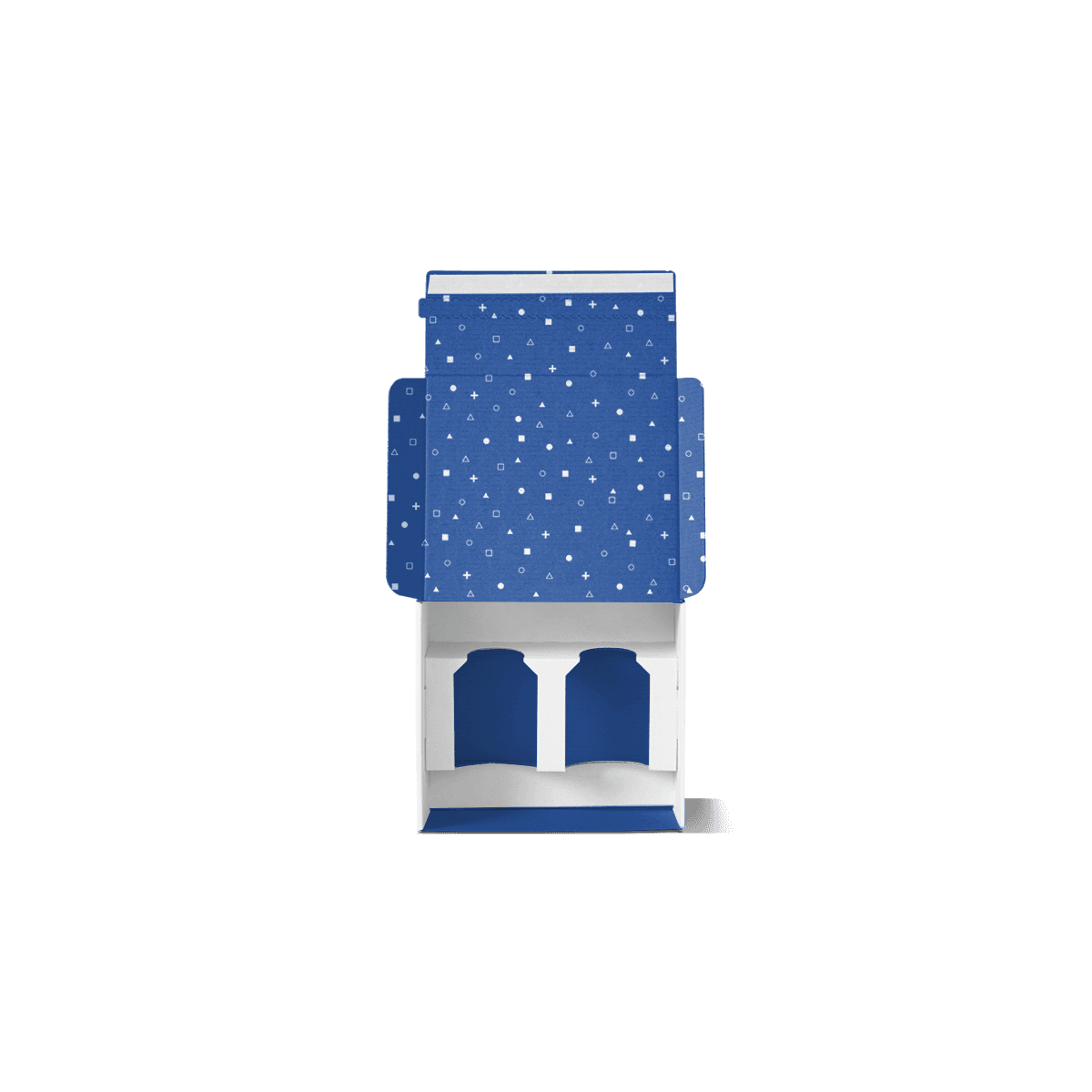
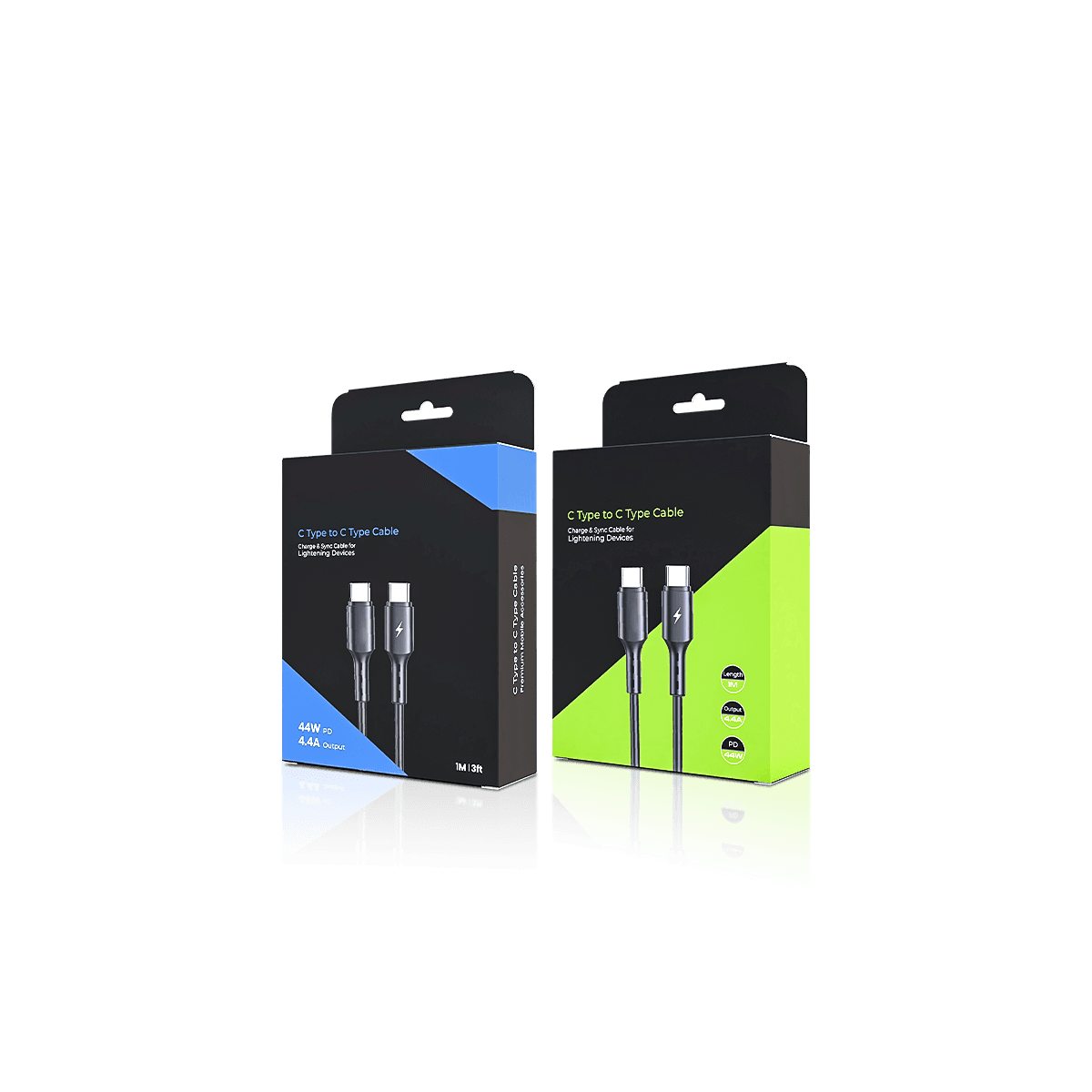
A hanging carton needs enough top area around the hang point and enough balance below it to remain straight when loaded. Heavy components positioned low or to one side can make a technically centred hang hole perform poorly.

Test the filled carton on the intended fixture. The product should not pull the box into a permanent tilt and the hanging area should not crowd the product name or main specification.

Free 3D mockups can help check panel balance, hang-tab placement and front-panel hierarchy before production artwork is approved.

Keep Shelf Packs Stable

Shelf cartons need a footprint that stands securely and uses depth efficiently. Very narrow accessories can benefit from a slightly broader face if that improves recognition, but increasing width purely for visual presence can create unnecessary empty space.

If several accessory cartons will sit side by side, compare the erected samples together. A coherent line comes from aligned information hierarchy, print treatment and controlled proportions rather than forcing every carton to the same height.

Organise Multi-Part Accessories

Some accessories contain one main device and several smaller pieces. A hub may include a short lead or adapter. A remote may ship with a receiver. A desktop accessory may include clips, stands or interchangeable components.

Stop Hard Parts Touching

Cardboard box inserts can separate pieces that would otherwise rub, rattle or press against one another. Use the simplest internal support that controls the actual movement.

A shallow paperboard cradle may be enough for a lightweight hub. A divider can keep an adapter away from the main unit. Do not add deep cavities simply to create a premium reveal if the extra material increases size without solving a protection problem.

Plan the Removal Sequence

A tidy insert still fails if the first component blocks everything underneath it. Decide what the customer should remove first, where fingers can reach and whether instructions sit above, below or beside the main accessory.

The insert should also work for packing staff. A five-part accessory set that looks excellent after careful hand placement may be inefficient if every component has to be rotated into a tight cavity during volume production.

Custom Packly provides design and dieline support where the inner arrangement needs to be developed around several components rather than one straightforward product.

Wearables that combine a device, strap and charger should move to Smartwatch Boxes once those components need a defined presentation and retention layout rather than a generic accessory cavity.

Treat the Range as Inventory

Mixed electronic accessories can change quickly. Port standards, feature counts, compatibility and model naming may change while the overall brand system stays the same.

That makes packaging inventory part of the design decision rather than something considered only after artwork approval.

Print by Artwork Quantity

Do not choose digital or offset printing from the combined order total alone. Ten thousand cartons split across ten accessory designs are not the same print job as ten thousand identical cartons.

The digital versus offset printing decision becomes particularly important for multi-SKU lines. Digital printing can preserve flexibility where quantities per design are smaller or artwork changes often. Premium offset printing becomes more attractive when individual designs run at higher volumes, colour consistency matters or Pantone matching is required.

MOQ starts from 100 boxes, which gives smaller or newly introduced SKUs more room to be ordered around their actual demand instead of forcing every accessory into the same quantity.

Avoid Obsolete Cartons

Do not over-order a slow-moving accessory simply to reduce its unit price if technical copy or compatibility may change. The advice on hidden custom packaging costs matters here because obsolete packaging, excess storage and specification changes can erase the initial saving.

UK production and repeat-order support also make it easier to plan replenishment around proven demand rather than treating every SKU as one large upfront purchase.

Lock the System Before Styling

The packaging system should be approved before premium finishes are rolled across the entire accessory line. Confirm carton footprints, loading direction, front-face hierarchy, technical zones and insert rules first.

Use a Master Panel Logic

A shared layout can define where the logo, product name, main specification, barcode and supporting information normally sit. It should act as a framework rather than a rigid template.

Longer product names may need more space. A product with several ports or compatibility notes may require a larger technical panel. Allow those differences rather than shrinking important copy simply to preserve identical artwork proportions.

Custom Packly is a well-established company offering unlimited customisation, packaging expertise and 24/7 support. That flexibility is particularly useful for accessory lines because the structural system can stay recognisable while dimensions, inserts, print files and finishes change between SKUs.

Proof the Hardest SKU First

If one accessory has the deepest body, most technical copy, awkwardest insert or highest packed weight, test that version early. It is more useful than approving the easiest carton first and discovering later that the system fails on the difficult product.

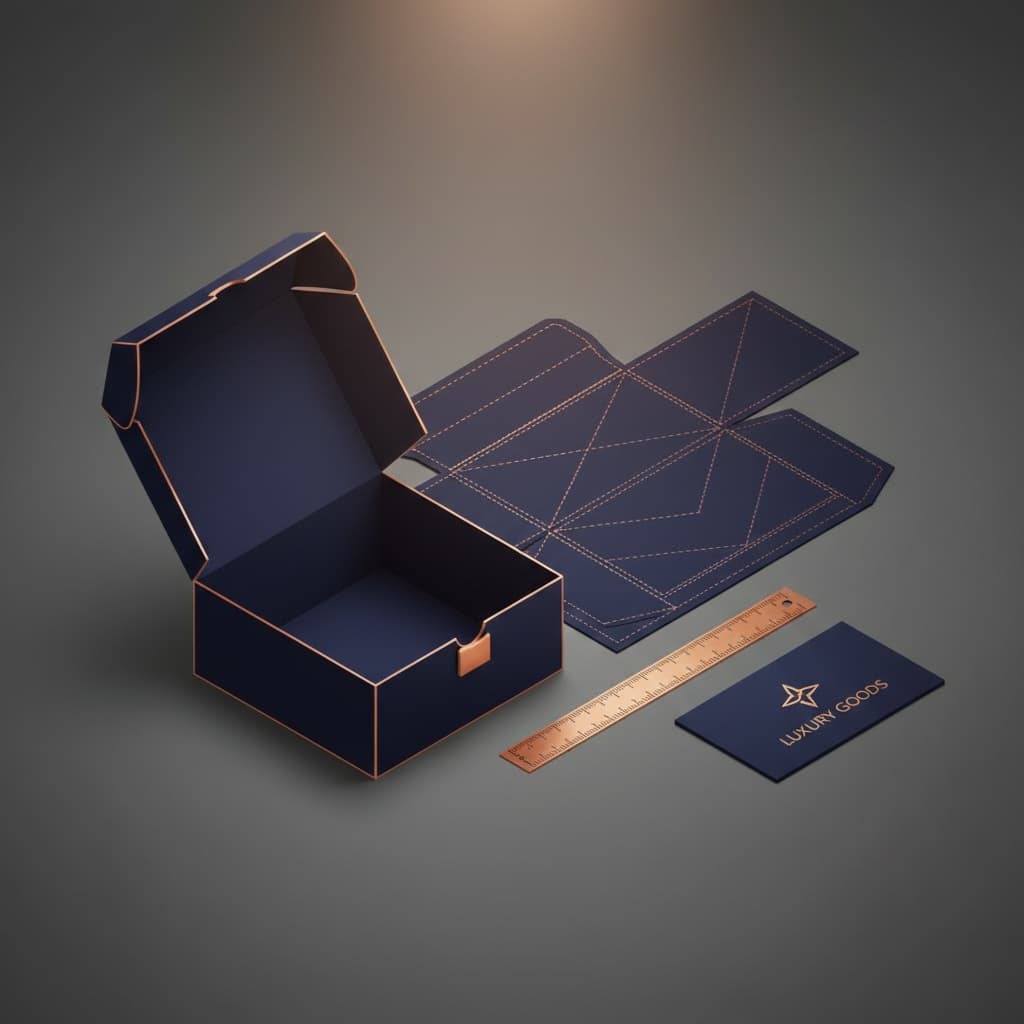
The packaging dieline and artwork process should be completed against the final structure before production artwork is locked.

Packaging customisation can then be applied selectively. Matte or gloss finishes, foil, embossing, debossing and spot UV should support the brand rather than becoming mandatory on every SKU regardless of price point or handling.

Build the Quote Around SKUs

For instant packaging pricing, send the accessory line as a SKU matrix rather than one combined request.

List each product, packed dimensions, packed weight, quantity, preferred carton style, display method and whether an insert is required. Mark which products can share the same structural footprint and which need different dimensions.

Also identify what changes between print files. One SKU may alter only the product name and specification panel while another may require completely different artwork.

This gives the quote a cleaner basis because quantity per artwork, carton size and insert requirement can all affect production differently. Once those variables are settled, a typical UK order can move through the confirmed 4–6 working day turnaround more predictably, with free delivery included.

The most useful starting point is therefore not “we need boxes for several gadgets”. It is a clear map of what stays consistent across the accessory line and what genuinely needs to change from one SKU to the next.

FAQs

Yes, and that is often the smartest way to manage a broad accessories line. The key is to build a controlled size ladder rather than forcing every product into one outer dimension. Shared branding, panel hierarchy and finish can stay consistent while widths, depths or inserts change by SKU. That keeps the range connected without making small items look lost or larger items feel cramped.

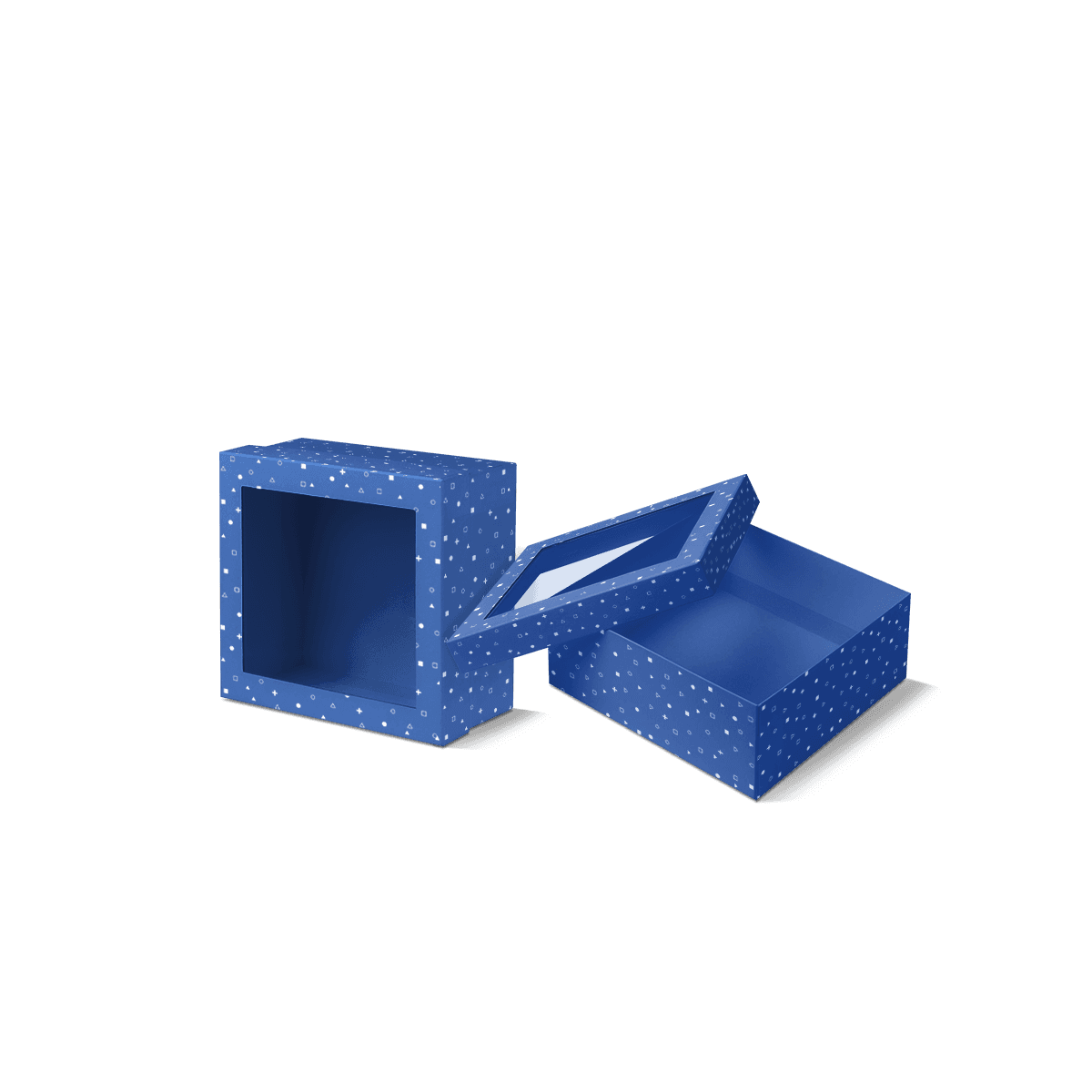
Sometimes, but it depends on the item. A window can work well when the accessory itself helps sell the product, such as a stylus, stand or colour-led gadget add-on. A fully enclosed carton is usually stronger when the product has a plain body, needs more print explanation or is better protected from dust, scuffing and light handling. The better choice is driven by visibility versus protection, not trend alone.

A hang-tab carton becomes more useful when the accessory will sell on crowded display walls, near tills or in compact retail spaces where face-forward visibility matters. Standard shelf cartons often suit boxed sets, broader packs or products that need more front-panel storytelling. The decision comes down to display method, shelf density and whether the product needs to be compared quickly at eye level.

In many cases, yes. Card inserts work well for adapters, remotes, leads and other compact components when the internal layout is planned properly. They keep parts separated, reduce rattle and improve the opening presentation without moving away from the paperboard-led direction of the site. For denser bundles, the insert design matters just as much as the board grade of the outer carton.

Retail cartons usually prioritise display, quick recognition and compact footprint. Ecommerce-focused cartons need more emphasis on transit stability, outer durability and how the product behaves inside secondary packaging. Some lines can use the same printed inner carton for both channels, but higher-risk items often perform better when the retail box sits inside a corrugated mailer rather than doing both jobs alone.

Process

How it works

Your Packaging Journey, From Idea to Production and Delivery

01

Tell Us Your Specs

Custom packaging boxes

Tell Us Your Specs

Provide size, quantity, printing, and finishes.

02

Get a Fast Quote

Custom packaging boxes

Get a Fast Quote

Instant transparent pricing, no hidden fees.

03

Design and Approval

Custom packaging boxes

Design and Approval

Artwork checks, revisions, and final sign-off.

04

Produce

Custom packaging boxes

Produce

Expert manufacturing to meet deadlines.

05

Ship to Your Door

Custom packaging boxes

Ship to Your Door

Hassle-free, flexible delivery options.

Get Your Quote for Custom Electronic Accessories Boxes

Share your product details, dimensions, quantity and artwork needs. We’ll help choose the right packaging style and send a clear quote.