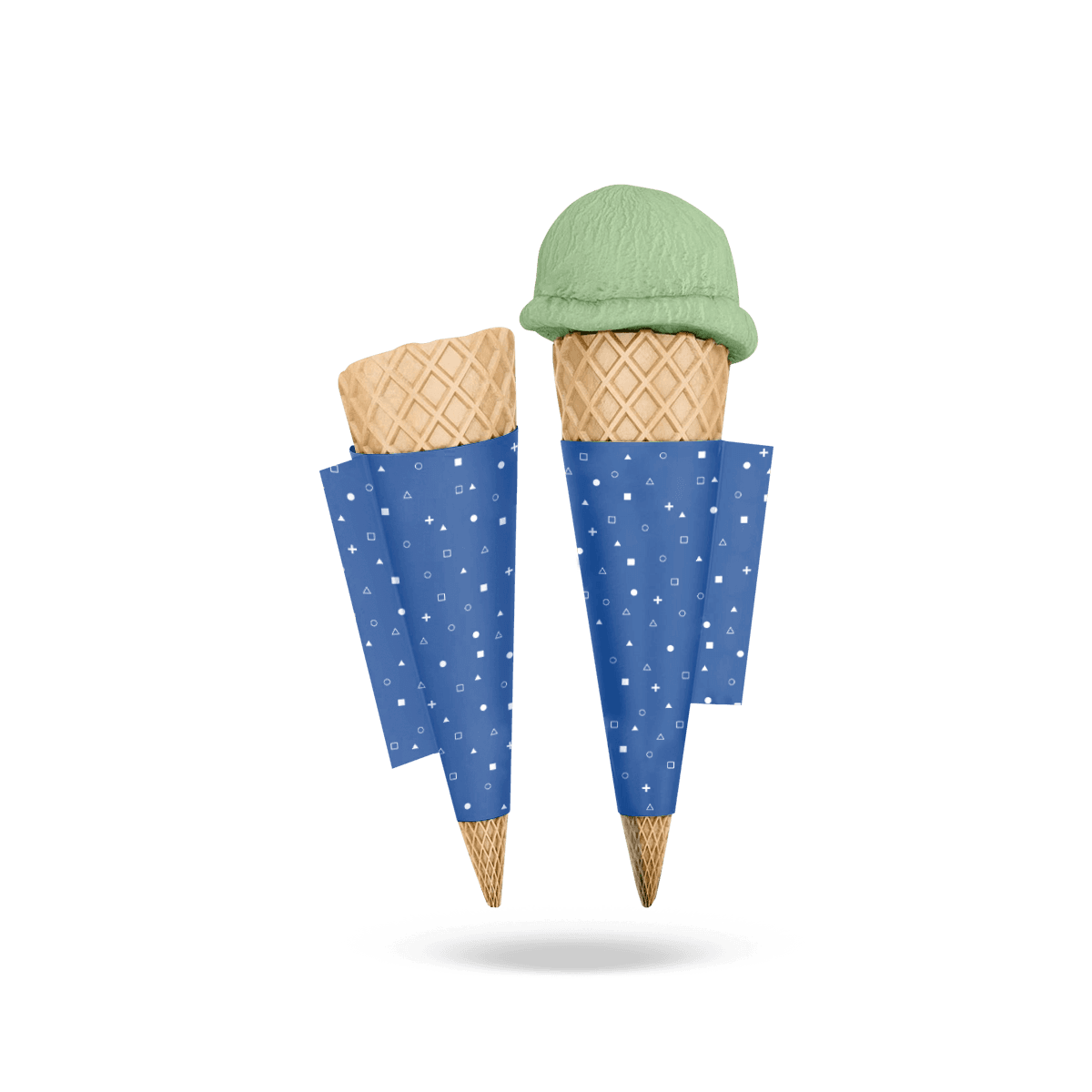
The finished print area curves in two directions: around the cone and towards the narrower base. That changes how straight lines, type and graphics appear once assembled.
Place the Logo After Forming
Do not centre the logo by measuring the middle of the flat die-cut shape alone.
First identify the front-facing area of the finished sleeve. The overlap or seam removes part of the usable circumference, and the curved blank changes the apparent centre after wrapping.
A free 3D mockup can help check this relationship before production. For critical logo placement, the formed sleeve remains the final reference.
Keep Type Away From the Point
As the sleeve narrows, usable horizontal space reduces quickly. Long words and detailed information become harder to place cleanly towards the bottom.
Put the strongest information in the upper or central grip area where the sleeve has more width. The lower section usually works better for colour, pattern or simpler artwork than dense copy.
Treat Horizontal Lines Carefully
A line that looks straight across a flat design may follow a different visual path when the paper curves.
If the artwork contains stripes, borders or repeated patterns, inspect them on the formed mockup rather than assuming the flat orientation will look level in the customer's hand.
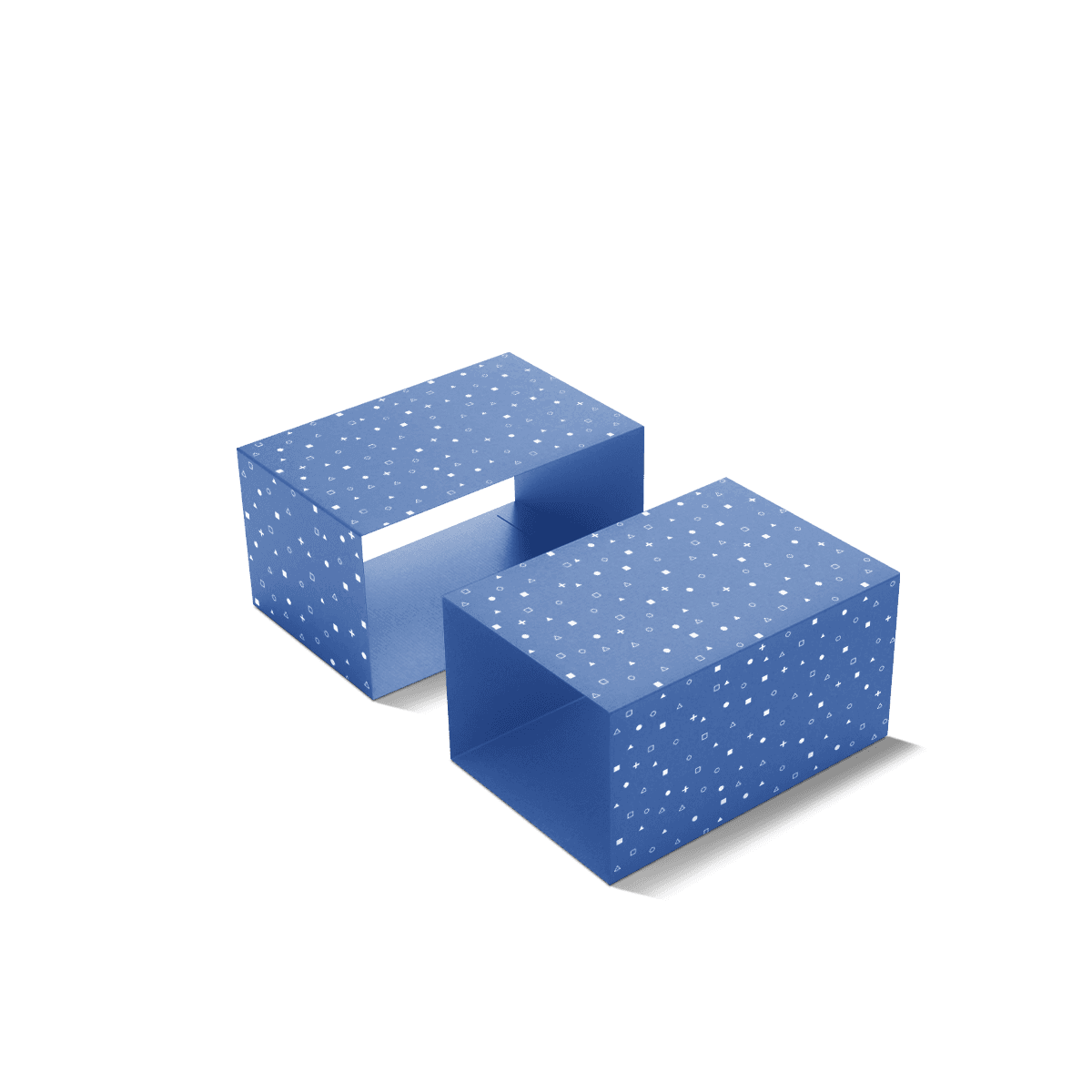
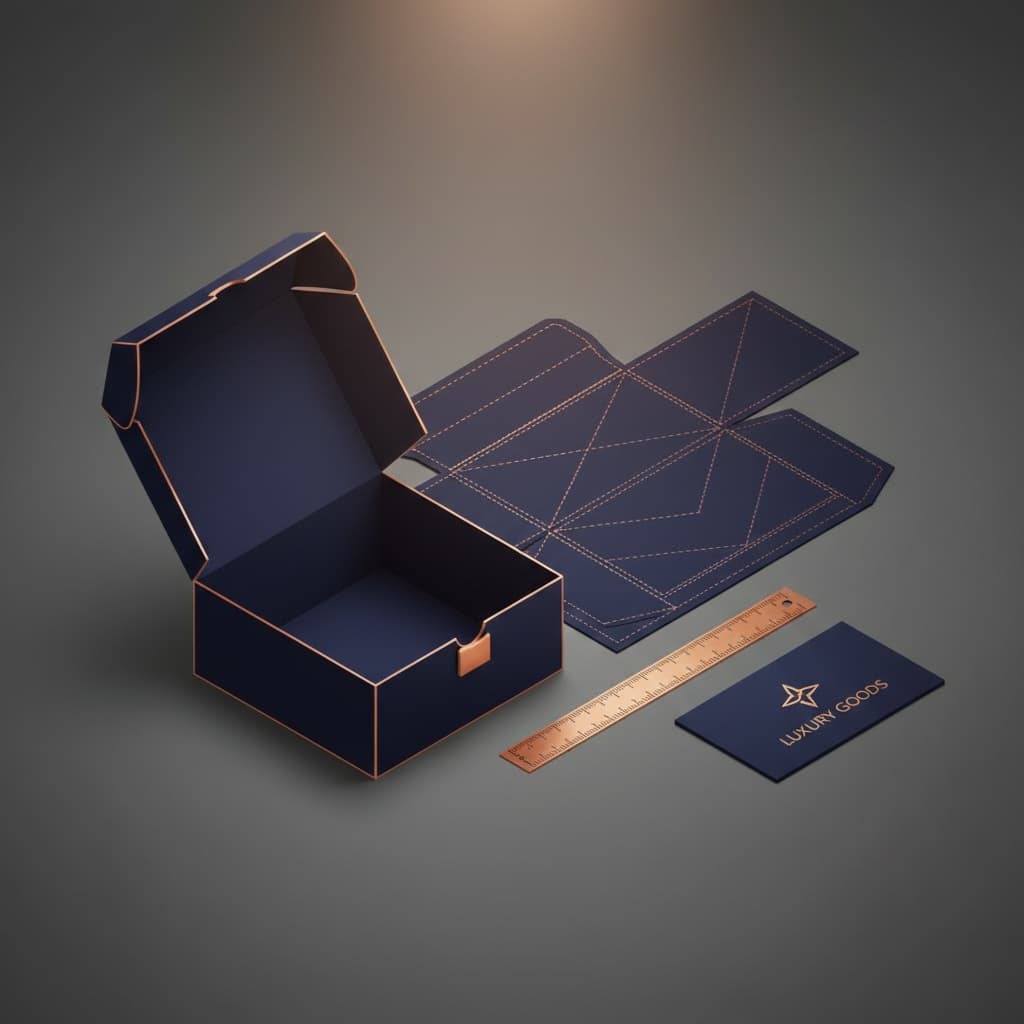
The principles behind packaging dielines and artwork setup still apply, but cone sleeves add the extra problem of a tapered viewing surface.