Skip to content
Details

Custom Electronics Mailer Boxes

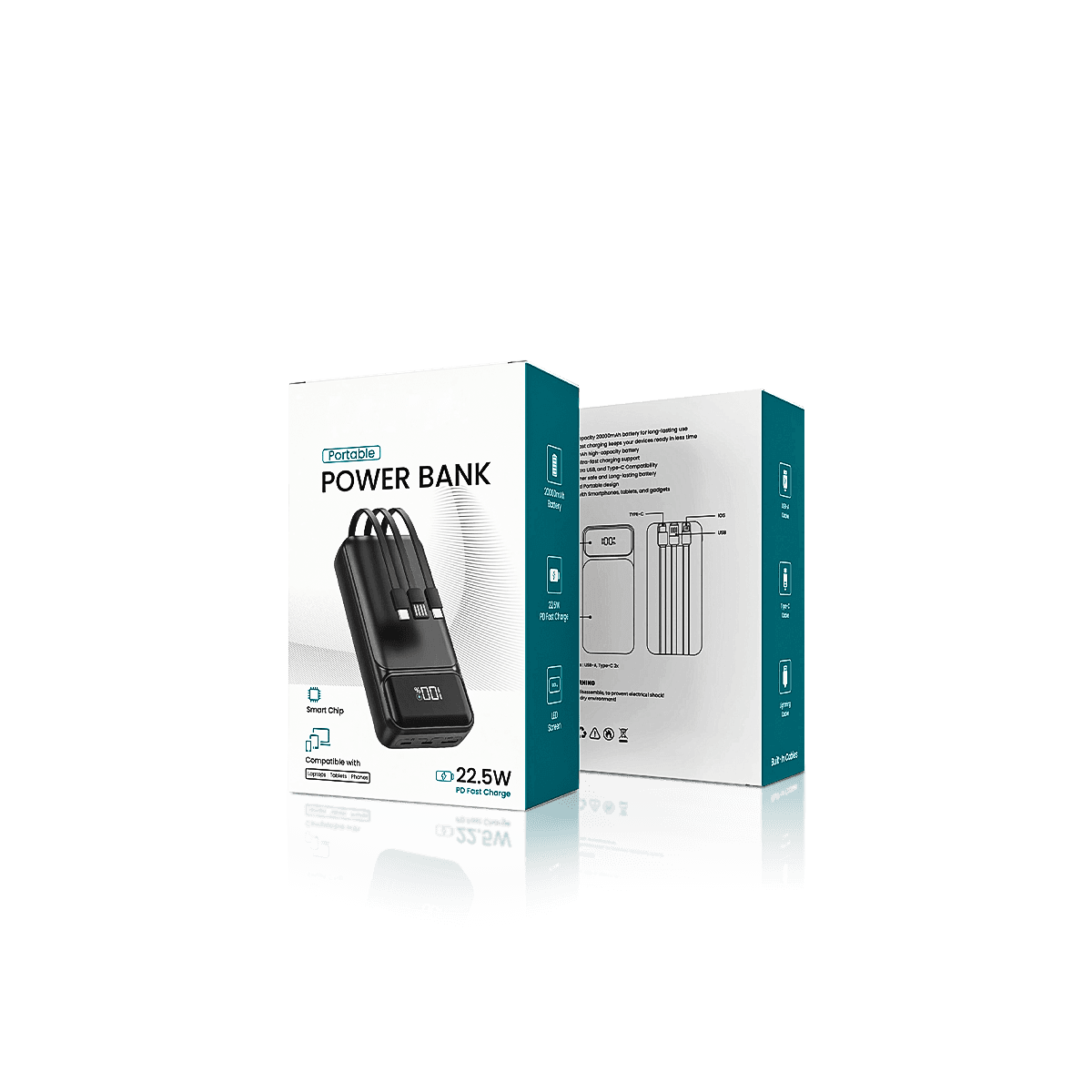
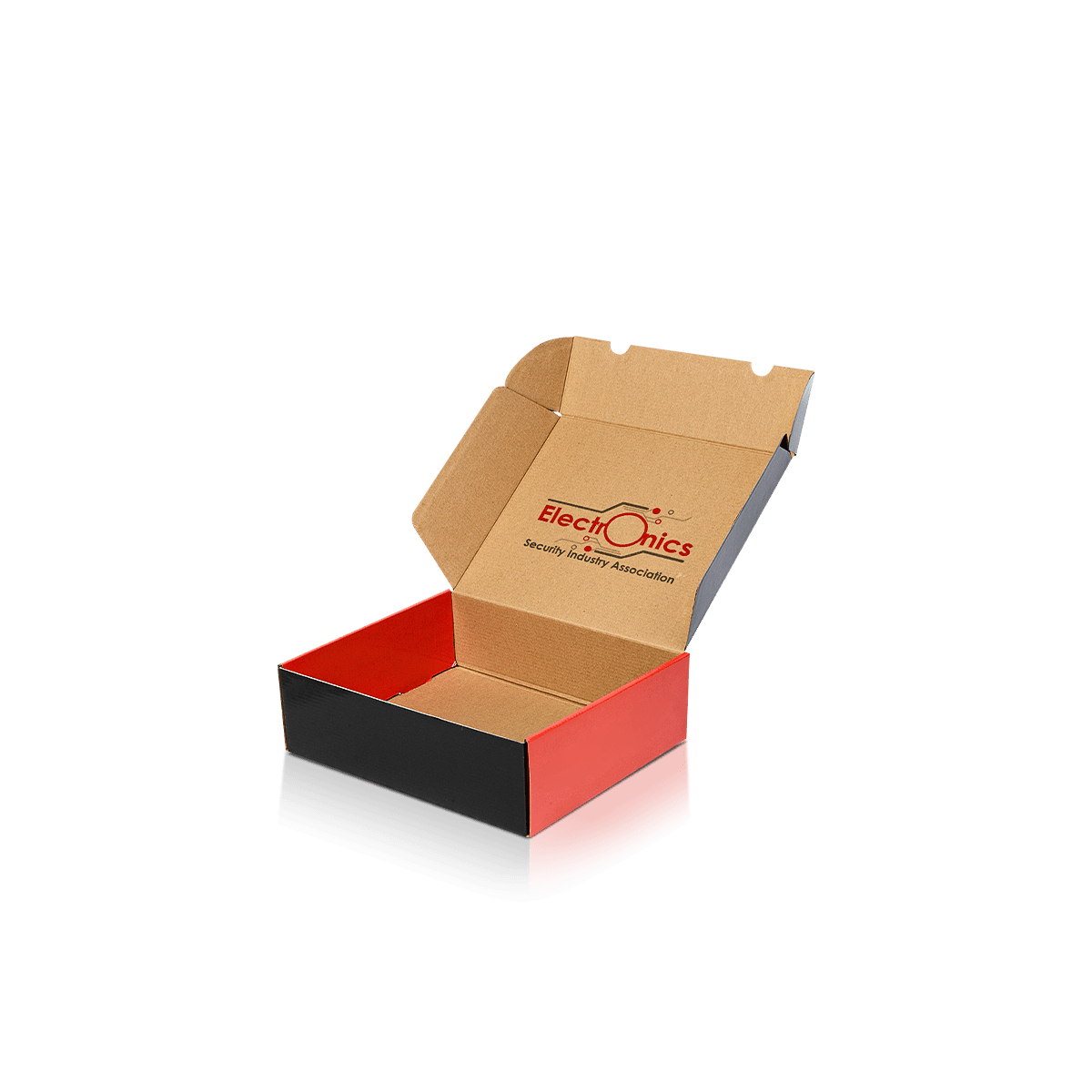
Electronics mailer boxes are designed for devices and accessories that need safer dispatch without losing branded presentation. They suit ecommerce orders, launch kits and multi-item shipments where transit protection, tidy organisation and cleaner unboxing all matter.

Map the Impact Path

A strong corrugated outer can still fail if a dense device has enough room to strike a plug, insert wall or corner. Start by tracing what can move, what can collide and which surface will take the load when the parcel is dropped, tilted or stacked.

Custom Electronics Mailer Boxes are most useful when one branded shipping pack has to carry a defined device or tech kit directly to the customer while keeping the opening organised. The mailer should control the loaded kit first, then carry the presentation.

Dense Items Drive Damage

Small electronics can be deceptively demanding because weight is concentrated into a compact area. A power unit, hub, controller or device can load one part of the base much more heavily than soft goods of the same outer size.

Start with the complete shipped weight and the item's hardest edges. If one component can move far enough to hit a wall, another item or the lid, increase control before simply increasing the outer box size. A stronger mailer around a loose device can still produce scuffs, corner marks and damaged accessories.

Keep Space Where It Helps

Close fit does not mean forcing the device against the corrugated walls. The aim is controlled clearance: enough room for the insert or protective layer to do its job without leaving a travel path inside the carton.

For electronics that are unusually fragile or surface-sensitive, Fragile Product Mailer Boxes put more emphasis on weak points, abrasion and shock control. Electronics Mailer Boxes should stay focused on tech-specific shipment layouts where the device, accessories and branded opening all need to work together.

Separate Components by Risk

A device, charging lead, plug and quick-start card should not be treated as four objects that merely need to fit. Each behaves differently when the parcel is tilted, dropped onto an edge or stacked under other orders.

Hold the Device First

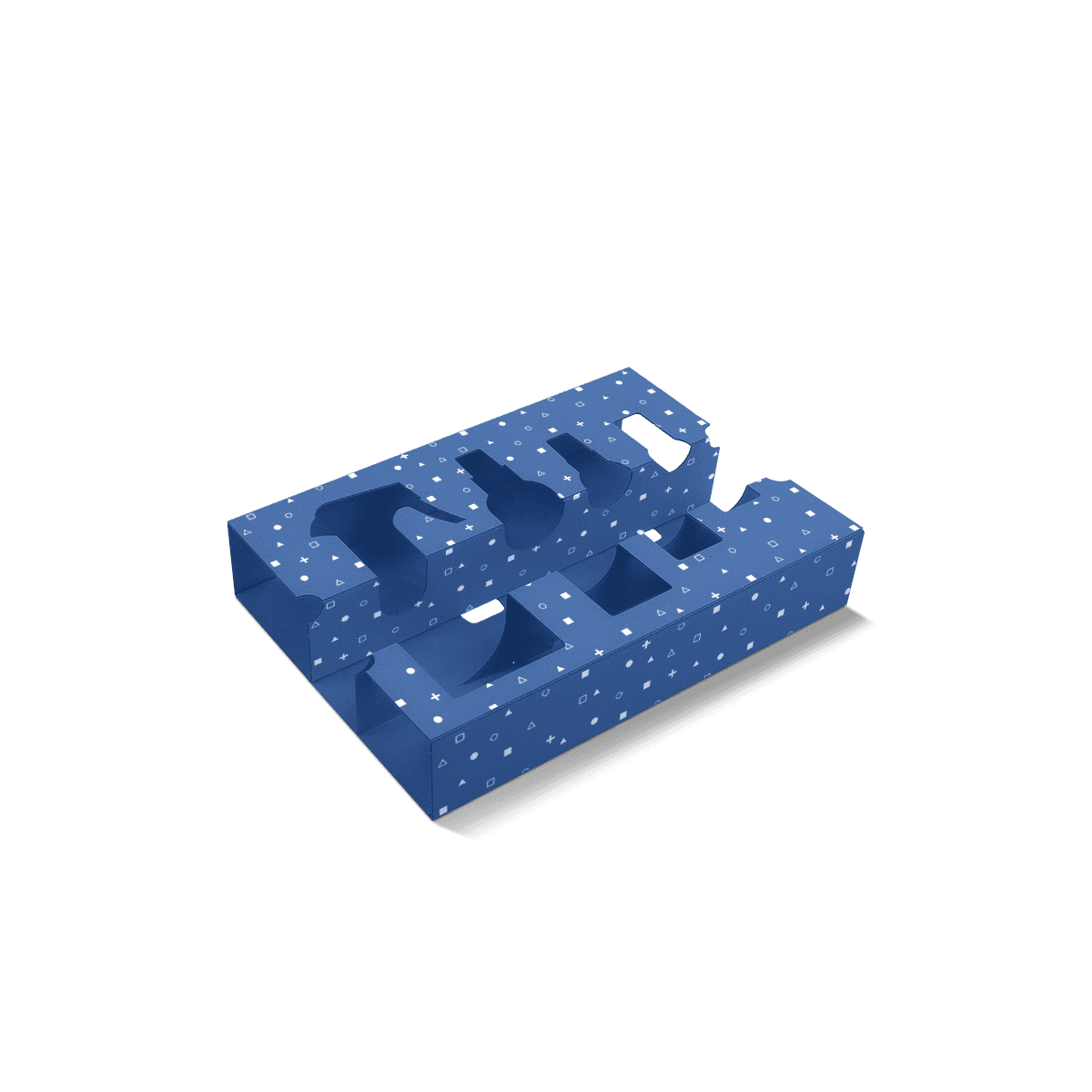
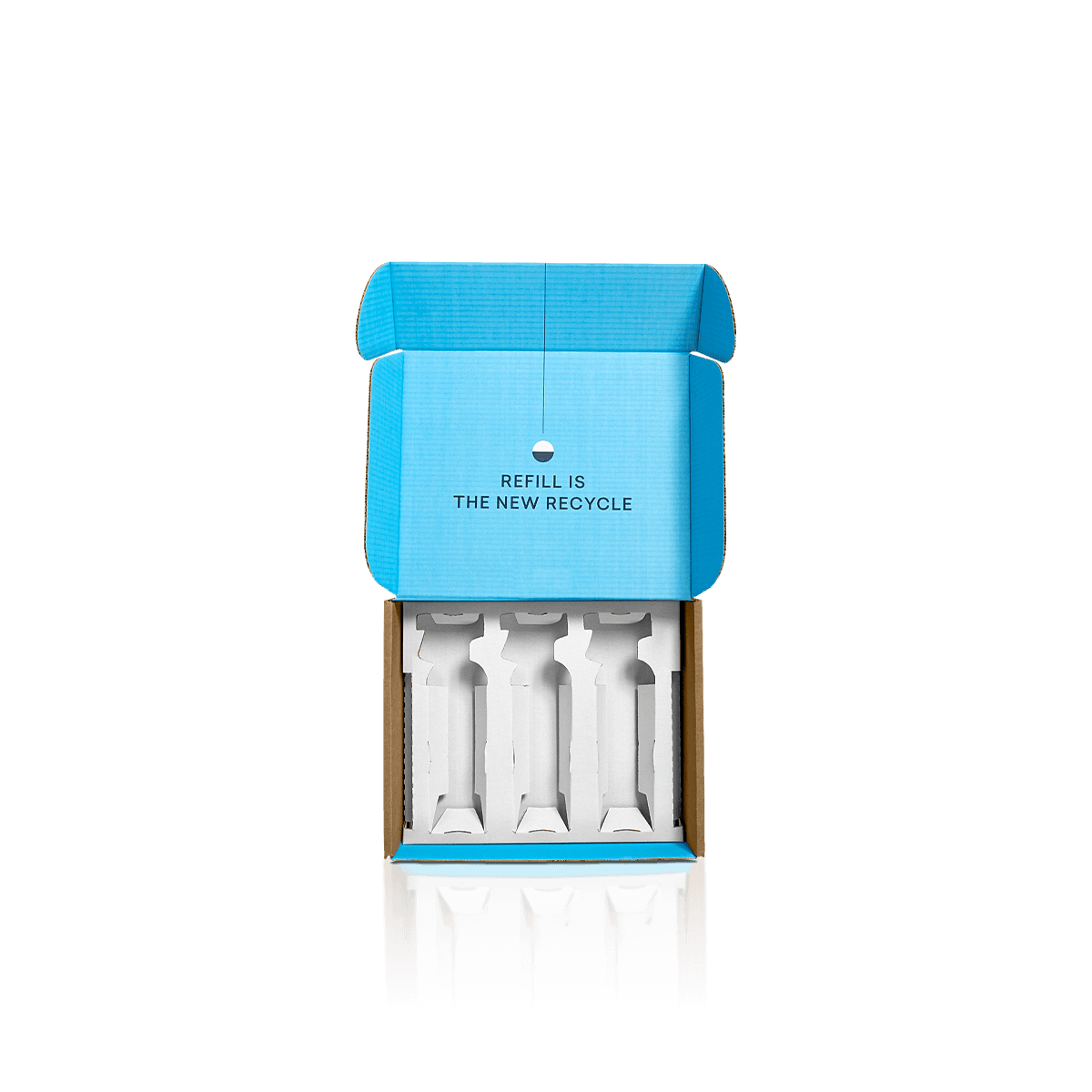
The main device should have the most stable position. Use die cut inserts when a shaped cavity helps stop lateral movement or keeps the product presented at a controlled height. Heavier products may need corrugated supports or folded cradles rather than a light presentation insert.

Removal matters too. A cavity that grips tightly enough to survive delivery but gives the customer no sensible finger access creates a new problem. Test how the product comes out as well as how it stays in.

Isolate Leads and Plugs

Loose cables are usually flexible. Plugs, adapters and connector housings are not. Keep hard components from resting directly against screens, polished casings or coated surfaces.

Use inserts and dividers when several pieces need different levels or individual cells rather than one flat tray.

Printed literature should also have a deliberate position. A manual placed over a projecting plug can create lid pressure. A card sitting beneath a device may be awkward to reach. The internal order should make sense both in transit and during opening.

Match Corrugated to Load

Electronics Mailer Boxes normally need corrugated material because the outer carton is exposed directly to courier handling. The correct specification depends on the loaded weight, box span, depth, stacking pressure and how much support comes from the insert.

The current corrugated mailer boxes options are the better structural reference when flute, liner and print surface are the main decisions.

Compact Kits Need Precision

A compact electronics kit may benefit from a finer flute where clean folds, controlled dimensions and a neater printed surface matter. That does not make fine flute automatically correct for every small device. A dense product can still demand more support than its dimensions suggest.

Large Panels Need Stiffness

Panel span matters as much as product weight. A broad, shallow electronics mailer can flex across the lid or base even when the contents are not extremely heavy. A deeper multi-item kit can place pressure on the side walls when the insert is loaded.

The useful decision is not “Which flute is strongest?” It is “What level of corrugated support does this loaded box need without becoming unnecessarily bulky?” The distinction between paperboard, corrugated and rigid packaging is useful when a team is still trying to make one material perform a job it was not meant to do.

Separate Transit from ESD

A corrugated mailer protects against physical handling risks. It should not automatically be treated as electrostatic-discharge protection.

If the product contains electrostatic-sensitive components, confirm the required ESD-safe inner protection separately and treat the printed mailer as the outer shipping and presentation layer. Do not assume kraft, white corrugated material, tissue or a standard card insert provides specialist ESD control unless the exact material has been specified for that purpose.

This distinction matters because “electronics protection” is too broad a claim on its own. The mailer can control movement, impact, stacking pressure and presentation. Electrical or electrostatic protection may require a different inner system based on the product and its handling requirements.

Choose One Layer or Two

One branded electronics mailer can sometimes replace both the presentation box and the shipping outer. In other cases, forcing one carton to do both jobs creates a worse result.

Use One Mailer for DTC

A single printed corrugated mailer makes sense when the product is sold mainly direct to customer, the insert can hold everything securely and the outer surface is suitable for courier labels and normal handling marks.

This is where Electronics Mailer Boxes differ from Custom Ecommerce Mailer Boxes. The ecommerce product owns general packing speed, returns and mixed-order workflow. The electronics version should be specified around a defined device or tech-kit arrangement.

Keep Two Layers for Retail

A retail carton inside a separate outer can make more sense when the same product must sit on a shelf, carry dense technical information or stay clean enough for retail presentation after shipping.

For heavier devices, larger cartons or orders where transit strength matters more than the opening experience, shipping boxes are the better starting point. The current breakdown of common packaging box types also helps separate presentation-led mailers from utility shipping cartons.

Control the Opening Order

Tech packaging often contains one hero device and several secondary components. The insert should make that hierarchy obvious instead of revealing everything as a loose group.

Show the Device First

If the product is the main value point, let it occupy the first visual position when the lid opens. Cables, adapters and printed instructions can sit underneath, beside or behind it where the layout remains easy to understand.

Inside print can support the reveal, but it should not compete with component access. Keep important text clear of insert walls, folded flaps and anything likely to be covered once the device is loaded.

Plan Removal Access

Finger cut-outs, lift tabs and open edges can make a fitted device easier to remove. Their size and position should be checked with the real product, especially when the casing is smooth or the item sits deep in the insert.

This is also where a free 3D mockup is useful. It can reveal obvious layout problems before production, while a physical sample is more useful when fit, removal, lid pressure or a complex insert needs to be checked with the actual contents.

Reuse the Outer Intelligently

Electronics ranges change quickly. A new device, accessory bundle or capacity variant does not always justify a completely new outer mailer.

Keep a Stable Footprint

If several products are close in shipped size and weight, one outer footprint may support more than one SKU. The insert can change while the printed shell stays consistent, provided every combination remains secure and the internal height still works.

This can reduce the number of flat box sizes held in storage and make repeat production easier. It should not be taken too far. A small device should not float inside an oversized carton simply to preserve one universal size.

Change the Interior First

For variant bundles, changing a cavity, divider or printed insert can be more efficient than redesigning the entire mailer. This works best when the outer dimensions, packed weight and centre of mass remain within a similar range.

Before approving that approach, assemble the heaviest and lightest versions. Lift, tilt and close both. Check that the heavy configuration does not distort the base and the light configuration does not gain excessive movement.

Lock the Loaded Specification

The dieline should follow the final loaded arrangement, not a guessed device size. Confirm the outer dimensions only after the device, insert, cable recess, manual position and protective clearance are known.

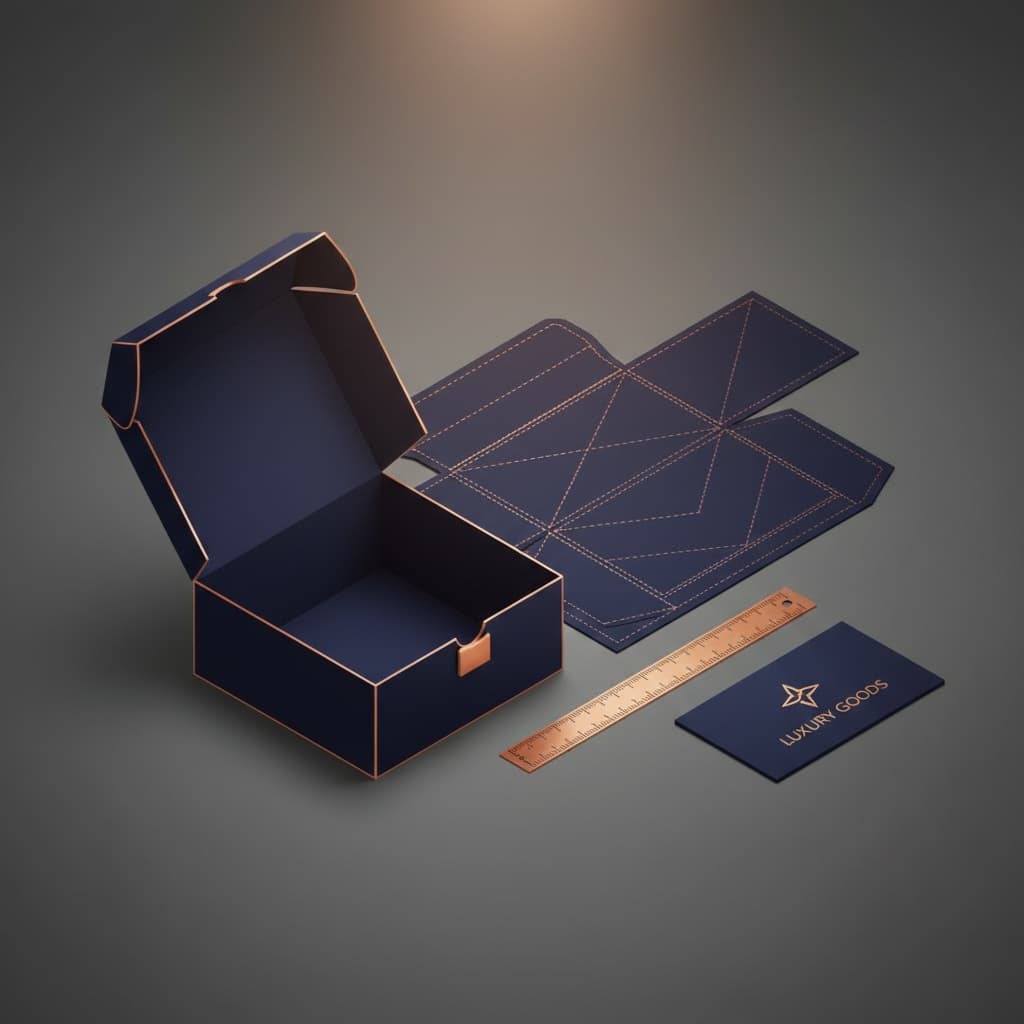
The free dieline generator can provide a useful starting layout for supported box structures. Keep artwork away from creases, locking areas and the courier-label zone, then use packaging customisation for outside print, inside print, CMYK, Pantone and selected finishes once the physical specification is stable.

For urgent launches, unresolved fit causes more delay than decorative decisions. The practical steps for faster custom mailer production are most useful after the dimensions, structure and artwork ownership are clear.

Set the Reference Shipping Kit

For repeat electronics orders, record one approved loaded configuration as the reference: device orientation, accessory positions, insert version, outer dimensions and packed weight. Future runs should be checked against that physical specification rather than the artwork file alone.

Where several bundles share one outer mailer, use the existing instant-pricing link to price them as separate loaded configurations. Warehousing and scheduled deliveries can then work around the stable outer while inserts or accessory combinations change between runs.

As an established packaging company, Custom Packly can adapt the outer, insert and artwork with unlimited customisation and 24/7 support when a device kit falls outside a standard mailer arrangement.

FAQs

That depends on the role of the carton. If the mailer is the main branded presentation piece, printing both the outside and the inside often creates a stronger result. If cost control matters more, an outside print with a simpler internal layout may be enough. The decision usually comes down to whether the box is purely protective or part of the full brand reveal.

Less than many teams expect. A little clearance is useful so the product does not fight the walls during packing, but too much space makes the contents shift and increases the chance of scuffing or impact marks. The better target is controlled clearance with inserts, folds or partitions wherever needed so the contents stay settled rather than floating.

Yes, and that can be valuable for online electronics orders. A returns-friendly mailer usually needs durable board, a closure that can be reopened without tearing the whole box apart and enough structure to survive a second journey. This is most useful for products with higher return rates, exchange-led sizing issues or campaign orders where a smooth reverse journey protects the brand experience.

Self-locking or easy-tuck closures usually make the process more efficient because they reduce fiddly folding and keep the carton shape stable during filling. Tear strips and tamper seals can also help when security matters, but they should match the actual dispatch process. The best setup is one that closes cleanly at speed without forcing staff to over-handle the carton.

That approach is stronger when the product needs a dedicated shelf-ready carton for stores and a separate transit layer for online orders. It can also suit fragile premium electronics where presentation and shipping demands differ sharply. A single mailer works best when ecommerce is the main channel. Dual-carton systems make more sense when retail and shipping need different structures.

Process

How it works

Your Packaging Journey, From Idea to Production and Delivery

01

Tell Us Your Specs

Custom packaging boxes

Tell Us Your Specs

Provide size, quantity, printing, and finishes.

02

Get a Fast Quote

Custom packaging boxes

Get a Fast Quote

Instant transparent pricing, no hidden fees.

03

Design and Approval

Custom packaging boxes

Design and Approval

Artwork checks, revisions, and final sign-off.

04

Produce

Custom packaging boxes

Produce

Expert manufacturing to meet deadlines.

05

Ship to Your Door

Custom packaging boxes

Ship to Your Door

Hassle-free, flexible delivery options.

Get Your Quote for Custom Electronics Mailer Boxes

Share your product details, dimensions, quantity and artwork needs. We’ll help choose the right packaging style and send a clear quote.