Skip to content
Details

Custom Mobile Accessory Boxes

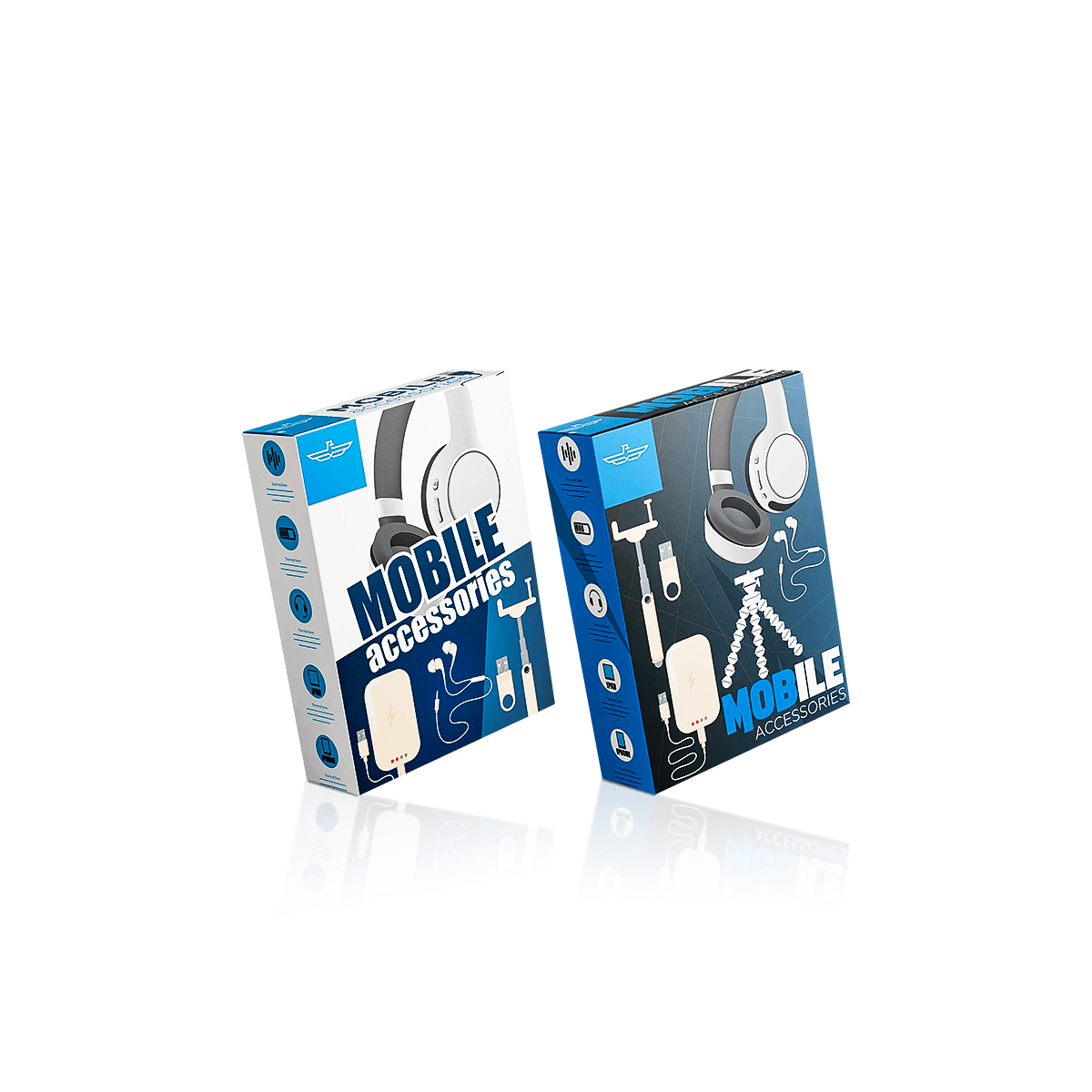
Mobile accessory boxes keep chargers, cables, earbuds and small tech items protected, organised and easy to merchandise. They help reduce transit movement, improve front-of-pack clarity and support cleaner branded presentation for retail shelves or online dispatch.

Make Compatibility Obvious

A phone case can arrive in perfect condition and still fail at retail if the customer cannot tell quickly which device it fits. Custom Mobile Accessory Boxes should make the model, accessory type and key variant obvious before decorative branding starts competing for attention.

That is the job this product should own within electronics and gadgets packaging: phone-centric add-ons such as cases, screen protectors, camera-lens protectors, grips, mounts and compact stands where device compatibility and retail recognition matter as much as physical protection.

Keep the Phone-Led Scope Narrow

A charging brick has different weight, pin and wattage requirements, so it belongs under charger boxes. A loose lead is better planned as cable boxes. Adapters, card readers, remotes and mixed gadget add-ons that are not primarily phone-model dependent fit more naturally into electronic accessories boxes.

Keeping those roles separate makes the packaging decision clearer. Mobile accessory cartons can then concentrate on model recognition, compact retail presentation and keeping several phone-specific SKUs visually connected without forcing unlike products into one carton shape.
Size by Accessory Type

One standard footprint rarely works across a phone-accessory line. A slim screen protector, a moulded case and a dashboard mount may share the same branding but they do not need the same depth, closure or internal support.

Cases and Protectors Differ

Phone cases usually need enough depth to avoid compressing raised corners, camera surrounds or textured surfaces. Screen and camera protectors are flatter and often benefit from a shallower carton, sleeve-led presentation or simple support that stops the product sliding to one end.

The practical rule is to measure the packed item, not only the bare accessory. Include any paper wrap, protective film, instruction card, backing piece or insert that stays inside. The tuck box sizing process is useful when the carton uses tuck closures because working clearance must allow both the product and the flaps to move cleanly.

Thin Items Need Less Depth

Oversizing is particularly obvious with mobile accessories. A 6 mm thick item inside a deep carton may look underfilled, move during handling and consume more shelf or storage space than necessary.

Do not solve that by adding an elaborate insert by default. First reduce the carton around the real packed thickness. A compact straight tuck end carton can work well for lightweight accessories when a simple retail structure is enough. Move to a stronger base or different style only when weight, loading or display behaviour requires it.

Design for the Fixture

Mobile accessory packaging is often handled repeatedly before purchase. The way it sits on a peg wall, shelf or counter should therefore be decided before the artwork is finalised.

Peg Display Needs Headroom

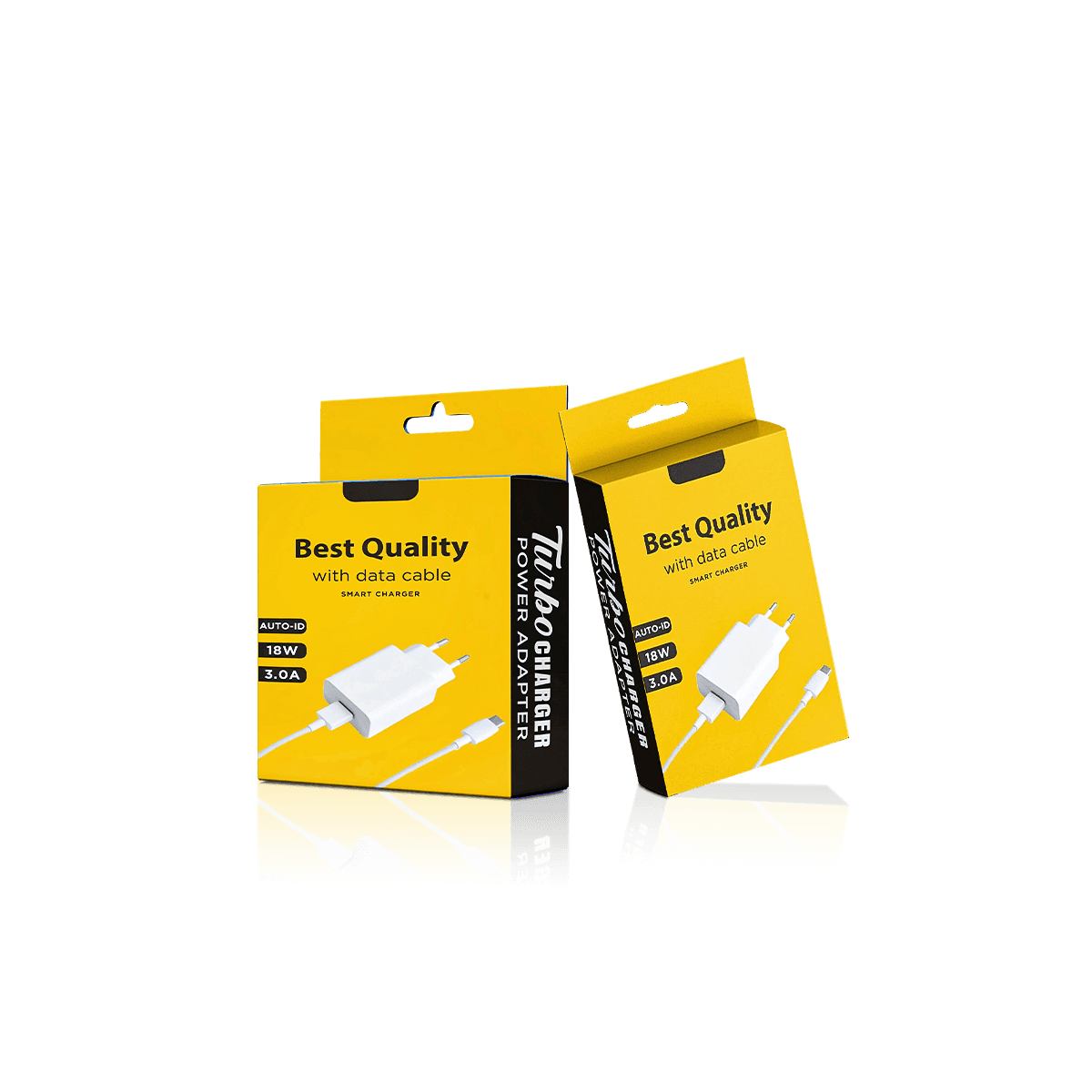
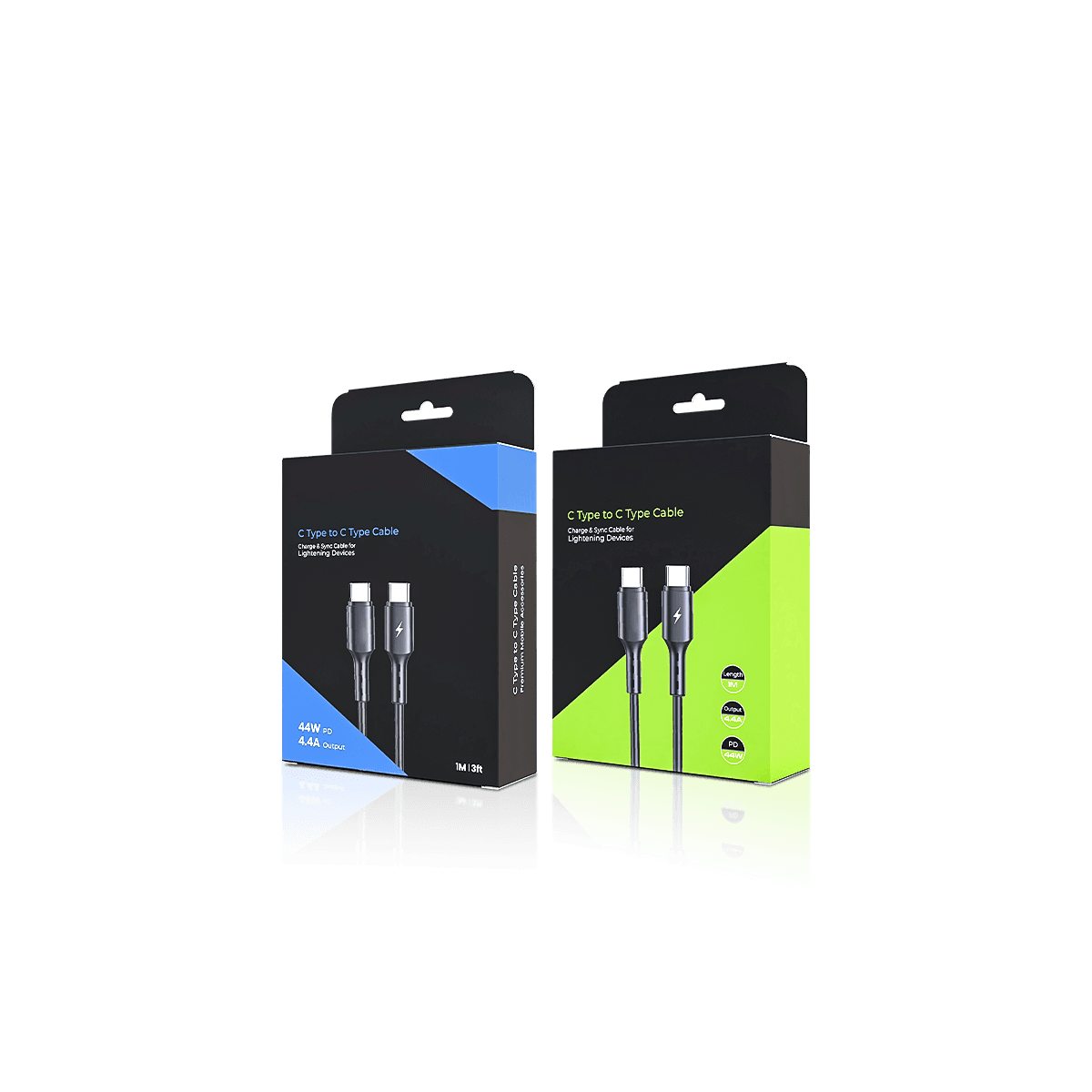
For hanging stock, the top area must do more than carry a hole. Leave enough material around the hanging point so repeated lifting and replacing does not weaken a narrow strip of paperboard. Keep model names, logos and essential compatibility text away from any cut-out or fold that could interrupt legibility.

A hang-ready carton also needs to sit straight when loaded. If the product is much heavier on one side, the hanging position and internal support should be checked with the real item rather than centred on the flat artwork by eye.

Windows Have a Job

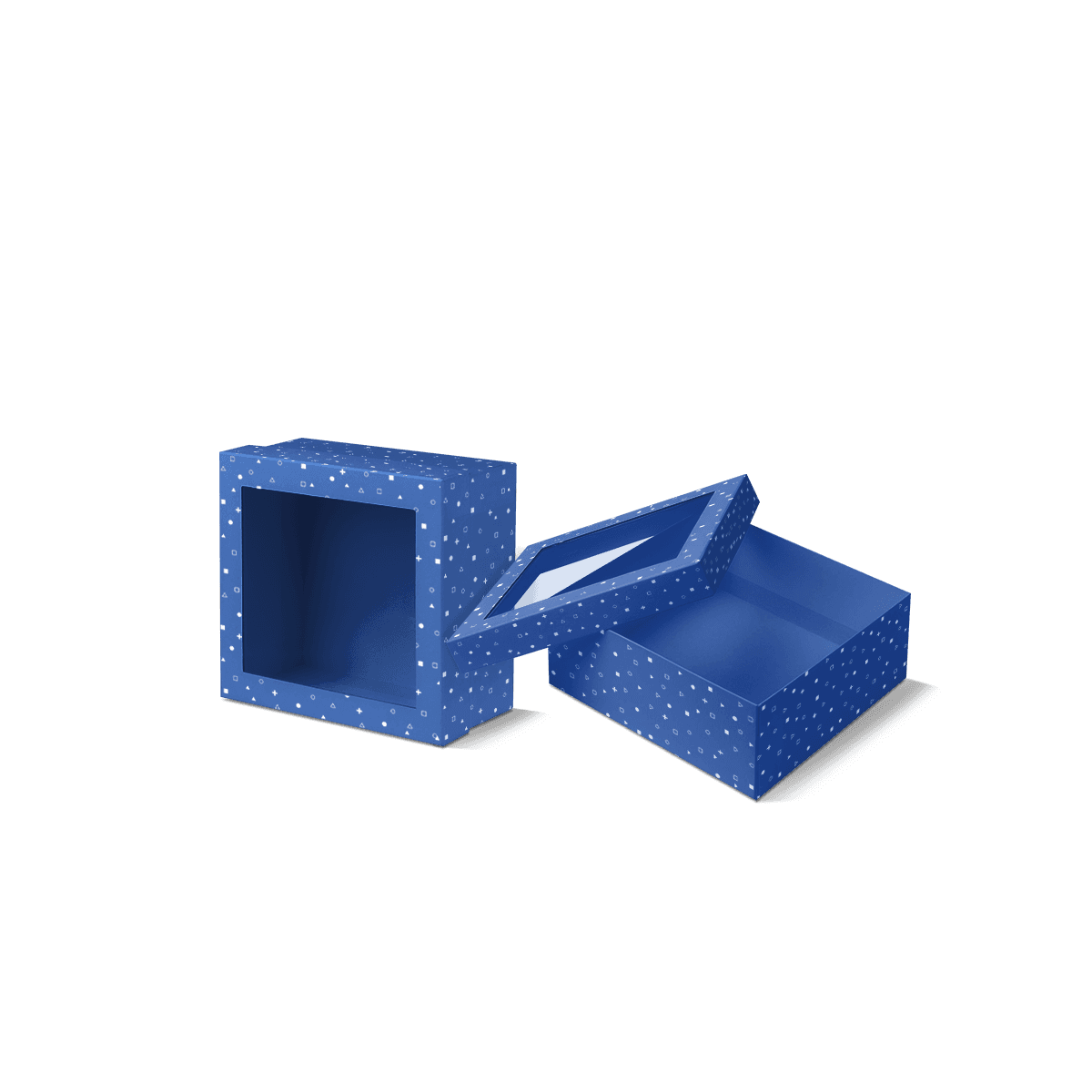
A window earns its place when the accessory's colour, texture or physical detail helps the purchase decision. It may make sense for a patterned case or a finish-led grip. It adds less value when the product is visually plain and the customer mainly needs model, size or compatibility information.

Large openings also remove printable area and can reduce panel stiffness. Keep enough material around the aperture, then position the product so it stays centred rather than dropping below the visible area.

Check the Erected Display Pack

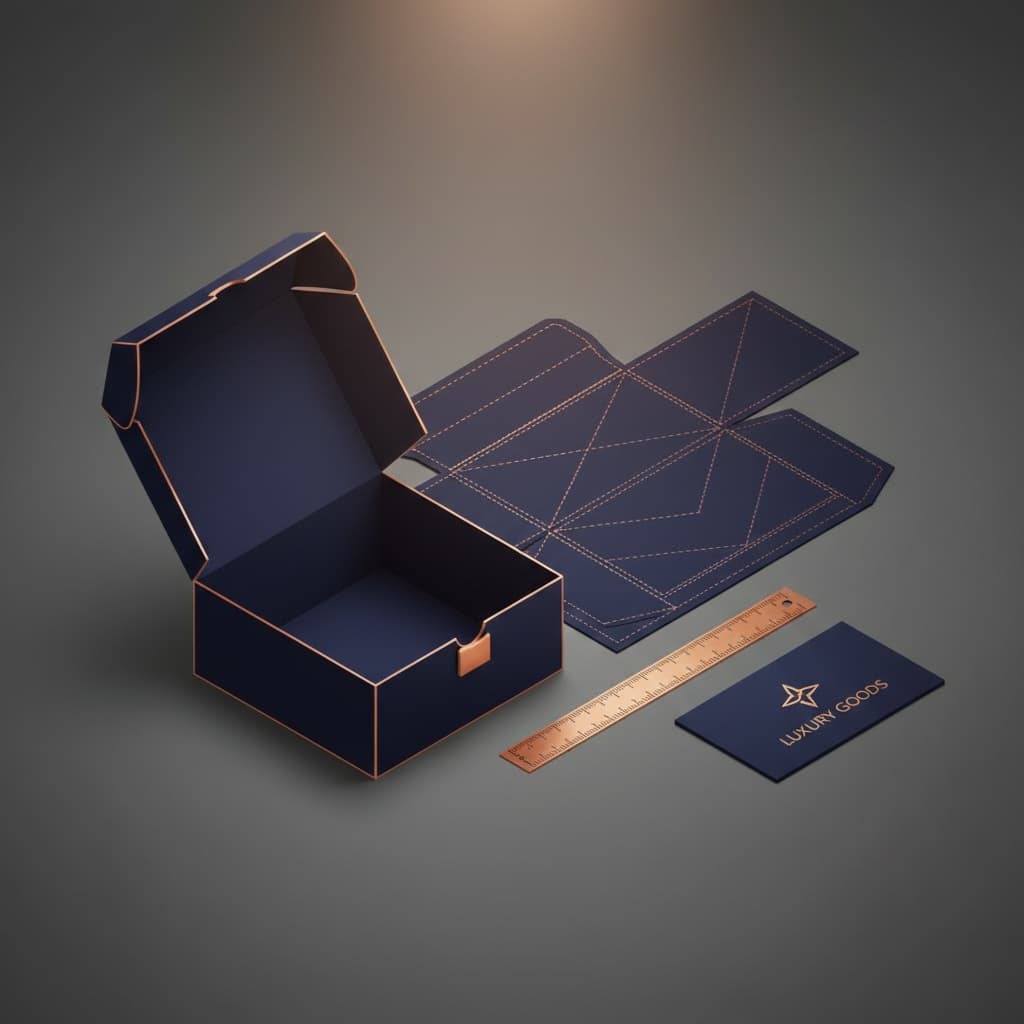
Before final artwork, erect the carton with the real accessory and confirm the hanging area, window, insert and front-panel hierarchy together. A free 3D mockup can catch obvious panel-direction problems, while a physical sample is more useful when hang balance, window position or product fit needs checking.

Once that arrangement is stable, build artwork from the approved dieline rather than resizing the structure around finished graphics. Keep the existing links to the packaging dieline workflow and free dieline generator here.

Control Movement, Not Volume

The best internal support is usually the simplest piece that stops the actual problem. Mobile accessories do not need an insert simply because inserts look premium.

Inserts Should Solve Movement

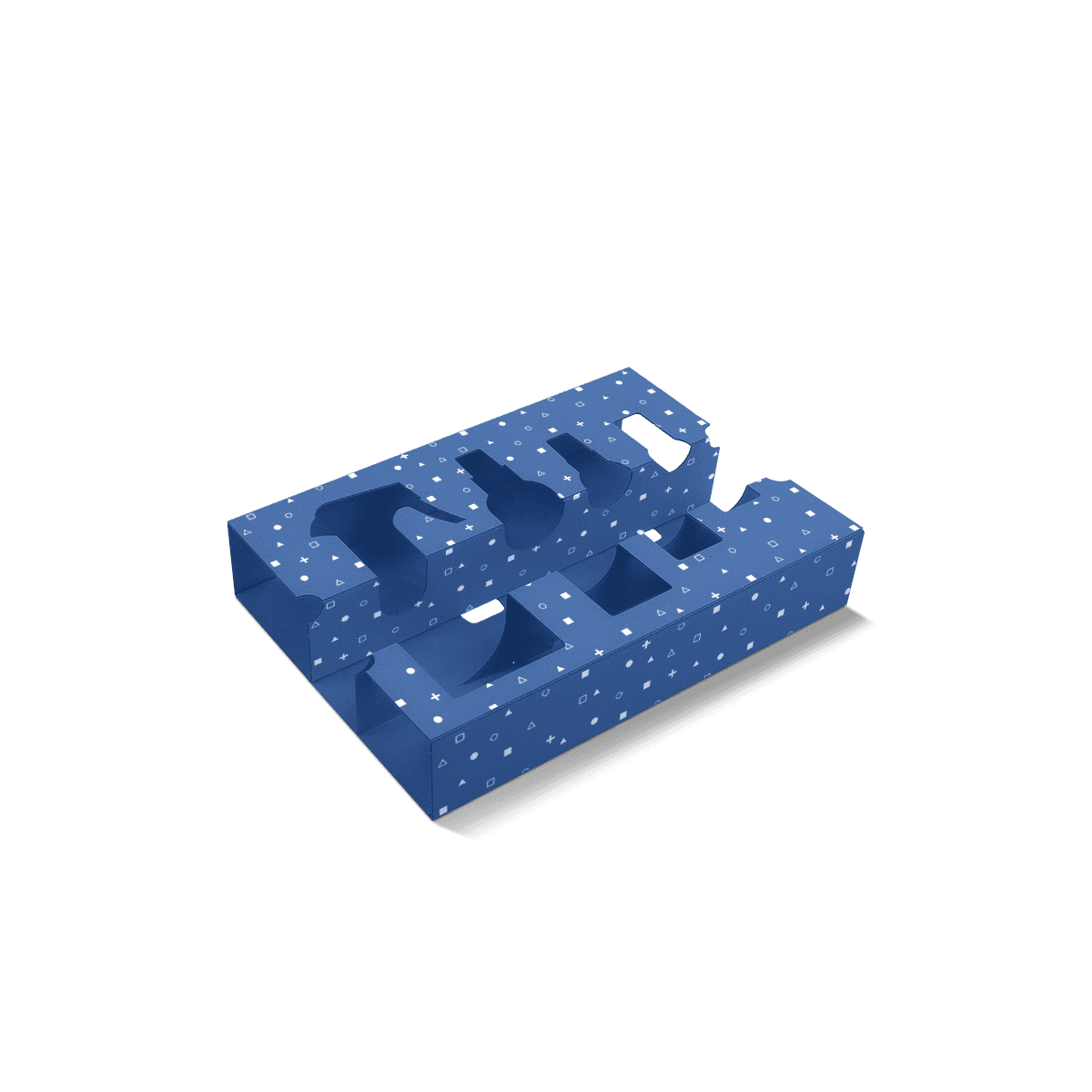
Use a die-cut insert when the accessory shifts, needs to stay aligned behind a window or includes more than one small component. A card platform or shallow cradle can often control a case, mount or grip without adding unnecessary depth.

For flat protectors, a backing card or closely sized carton may be enough. For a mount with an arm, clip or suction component, support should prevent the protruding part from striking the outer wall. The question is not "How much padding can we add?" but "Where can this item move, catch or rub?"

Material choice should follow the same logic. The current paperboard, corrugated and rigid material decision is useful when a compact retail carton starts being asked to carry more weight or survive a different delivery journey.

Keep Variants Easy to Pick

A mobile accessory line can grow quickly as new phone generations, sizes and colours appear. Packaging that works for one SKU can become confusing once twelve similar cartons sit together.

Print Model Cues First

Put the most important compatibility cue where it can be read without turning the carton. Depending on the product, that may be the phone model, screen size, generation, case type or device series.

The front does not need every technical detail. Use side and rear panels for barcodes, material notes, fitting instructions, QR codes and secondary specifications. The front should answer the fast retail question: "Is this the right accessory for my device?"

Use Colour as a Secondary Cue

Colour coding can help staff and customers separate models or accessory types, but it should not be the only identifier. Similar shades can look different under retail lighting and artwork changes can create mistakes at reorder.

Use a stable naming system first, then support it with colour, icons or small graphic changes. If several designs share one brand identity, keep the model position, barcode zone and information hierarchy consistent even when the carton dimensions change.

The available print, colour and finish options can then support that system rather than forcing every SKU into the same visual treatment.

Match Print to SKU Count

The right print method depends on how many boxes are being produced per design, not only the total order quantity.

A launch of 6,000 cartons split across twelve phone models behaves differently from 6,000 units of one unchanged artwork file. Frequent model updates, seasonal colours and short-lived device generations can make artwork flexibility commercially important.

Choose Around Artwork Stability

Digital print can be useful when quantities per SKU are smaller or artwork changes often. Premium offset printing becomes more attractive for stable, higher-volume work and where exact Pantone colour, very fine text or consistent large solid areas matter. The digital versus offset printing decision explains why SKU count can change the economics even when the total quantity looks large.

Finishes should be selective. Matte or gloss lamination can change surface feel, while foil, embossing, debossing or spot UV can emphasise specific brand details. Do not let a finish cross a working crease or interfere with small compatibility copy simply because it looks strong on a flat proof.

Separate Retail from Transit

A clean retail carton does not automatically make a good courier container. Paperboard can handle shelf presentation very well while still needing protection once it enters parcel delivery.

Keep Shipping as a Second Job

If the mobile accessory is sold both in stores and online, keep the primary carton compact and retail-focused, then add a suitable outer when courier handling requires it. Electronics mailer boxes are the better fit when corrugated transit protection, multi-item organisation and branded ecommerce delivery become the main problem.

This prevents the retail carton from becoming unnecessarily bulky just to survive a job it was not meant to do. It also lets one primary carton serve store stock and online orders while the shipping layer changes by fulfilment method.

Prepare for the Next Phone Model

A useful mobile-accessory system should absorb the next case, protector or mount variant without forcing a complete redesign. Keep the model name, barcode area and compatibility zone predictable, then change carton dimensions or insert details only where the new accessory genuinely requires it.

If several phone models are planned, group the SKUs by shared carton footprint before using the existing instant-pricing link. That gives Custom Packly a clearer basis for deciding what can remain common and what must change for accurate fit.

MOQ from 100 can support smaller launch variants without forcing every model into the volume of the strongest seller. The commercial value is a packaging system that can evolve as devices change, rather than restarting the entire specification with every phone generation.

FAQs

For most cables, earbuds, grips and slim cases, printed folding carton board is usually enough. Heavier chargers, multi-port adapters and bundled tech sets often benefit from thicker stock or corrugated board for better edge strength. The right choice depends on product weight, sharp corners, transit distance and whether the carton is mainly for shelf display or direct shipping.

No, not always. A simple cable carton or flat accessory may sit securely in a snug box without an insert. Inserts become far more useful when the product has several components, polished surfaces or a tendency to move around. They also improve presentation for gift-ready kits, higher-value chargers and accessories that need a tidy unboxing experience.

Usually, a tuck-end carton is better for retail presentation and everyday shelf sale, while a mailer is better for direct-to-customer delivery or bundled sets. If the accessory is light and hangs in store, a tuck-end style keeps the pack compact and efficient. If the item ships online or includes multiple pieces, a mailer with an insert often offers better transit support.

More than many brands expect. Mobile accessories often need connector details, wattage, device compatibility, barcode placement, warnings, setup notes and brand graphics on the same carton. That means front-panel design should stay focused while side and back panels carry the supporting information. Confirm required copy early so the box is not oversized later just to solve a labelling problem.

Confirm the exact item dimensions first, including cable coil diameter, plug height, accessory count and any protective sleeve already on the product. Then check whether the carton needs an insert, a hang tab, tamper sealing, barcode space or ecommerce mailing support. It also helps to confirm finish choice early, especially if dark prints, foil details or scratch-prone surfaces are part of the design.

Process

How it works

Your Packaging Journey, From Idea to Production and Delivery

01

Tell Us Your Specs

Custom packaging boxes

Tell Us Your Specs

Provide size, quantity, printing, and finishes.

02

Get a Fast Quote

Custom packaging boxes

Get a Fast Quote

Instant transparent pricing, no hidden fees.

03

Design and Approval

Custom packaging boxes

Design and Approval

Artwork checks, revisions, and final sign-off.

04

Produce

Custom packaging boxes

Produce

Expert manufacturing to meet deadlines.

05

Ship to Your Door

Custom packaging boxes

Ship to Your Door

Hassle-free, flexible delivery options.

Get Your Quote for Custom Mobile Accessory Boxes

Share your product details, dimensions, quantity and artwork needs. We’ll help choose the right packaging style and send a clear quote.