Skip to content
Details

Custom Retail Packaging Sleeves

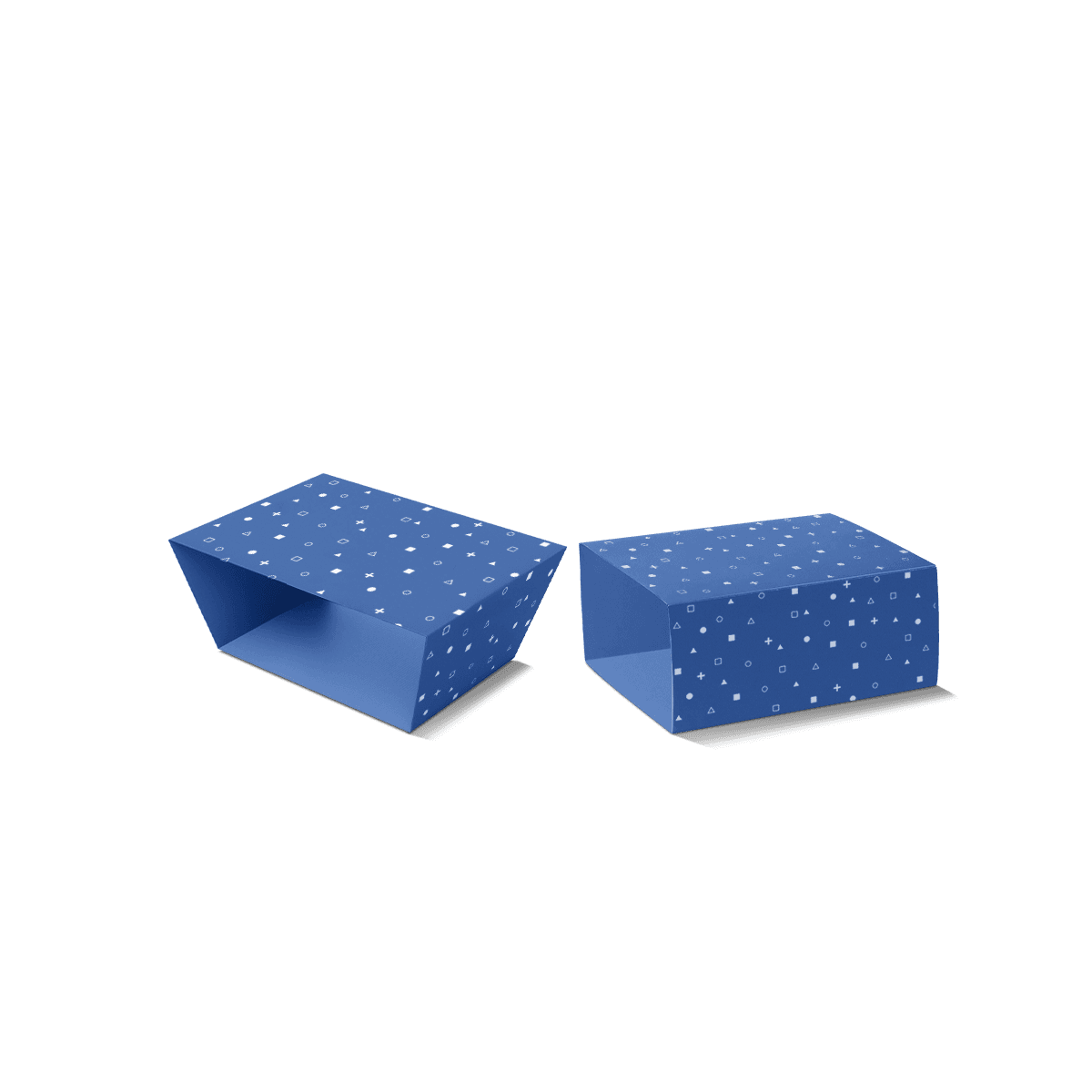
Printed sleeves that organise product names, variants and key retail information without hiding the parts of the product shoppers need to see.

Make the Range Read Fast

A retail sleeve can look polished in isolation and still fail once several variants sit together. If shoppers cannot quickly distinguish the scent, shade, size, flavour or model they want, the packaging is making the shelf harder to read.

Custom Retail Packaging Sleeves work best when the visible panel creates order across the range. The brand should remain recognisable from one SKU to the next, while the changing information is obvious enough to prevent near-identical products blending together.

That makes this product different from a general box sleeve. The main decision is not simply how to cover an existing box. It is how the sleeve helps a product compete, identify itself and stay understandable in a real retail display.

For brands selling through shops, concessions or multi-site retail, custom retail packaging is the broader place to coordinate sleeves with cartons, display units and other shelf-facing packaging.

Build the Shelf Face First

Most retail sleeves have more printable area than the shopper will absorb at first glance. The front-facing panel therefore needs a hierarchy rather than equal attention across every message.

Brand Before Detail

The brand mark, product name and primary variant cue should normally survive a quick shelf scan. Secondary information can move to side or rear panels where the customer can read it after picking the product up.

This is especially important across cosmetics, candles, stationery, apparel accessories and small gift products where several similar SKUs may share the same basic dimensions. A colour block, naming system or controlled graphic change can separate variants without making every sleeve look like a different brand.

The principle is covered more broadly in packaging design ideas that still work in production: visual distinction matters, but it has to survive printing, folding, handling and repeat production.

Reserve Functional Space Early

Barcodes, retailer labels, product codes and required product information should have a planned home before decorative finishing is added. A barcode placed across a crease, heavy texture or awkward overlap is a layout problem that should be removed at artwork stage.

If a retailer applies its own labels, leave a clean area large enough for them rather than forcing store staff to cover artwork or important copy. This is a small decision, but it can make the difference between a sleeve that looks controlled on shelf and one that becomes visually messy after merchandising.

Custom Packly's experienced packaging team can coordinate dielines, artwork zones, print and finishing in one workflow when the sleeve needs to carry several layers of retail information.

Show Only What Helps Sell

A retail sleeve does not need to hide the whole product. In many cases, the exposed area is part of the selling point.

A candle vessel, soap texture, textile colour, notebook cover or gift-box surface may communicate more than another printed panel. The sleeve should frame that feature rather than cover it automatically.

Use Coverage With a Reason

Deeper coverage gives more print space and can create a stronger branded block. Shallower coverage leaves more of the product visible and can reduce the sense of unnecessary wrapping.

The correct balance depends on what shoppers need to see before purchase. If colour or material is a product feature, exposing it can reduce reliance on printed descriptions. If the base item looks unfinished or carries little brand recognition, the sleeve may need to do more visual work.

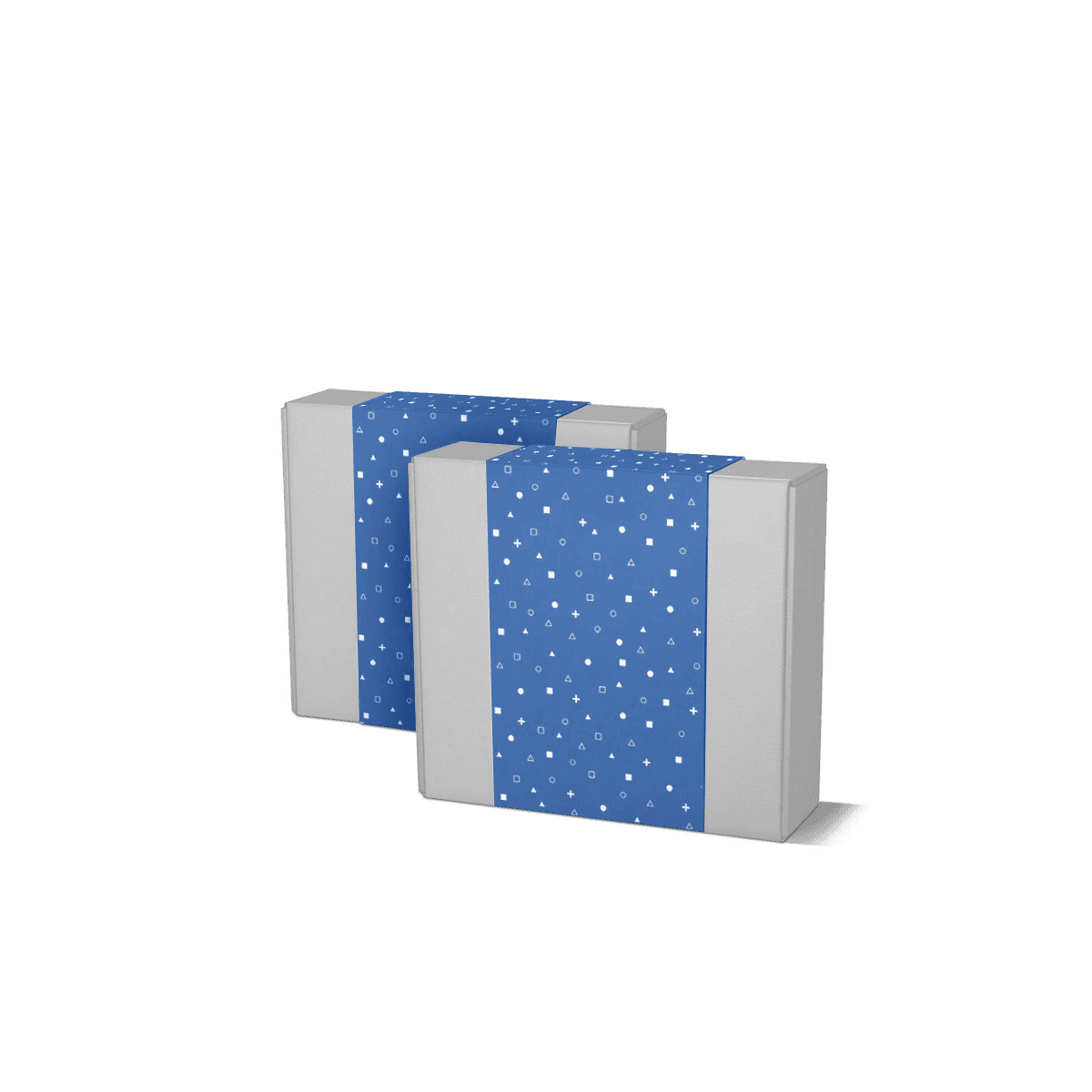
Where only a narrow branded strip is needed, Belly Band Packaging is the lighter option. The fuller retail sleeve earns its place when clearer communication, stronger coverage or more stable presentation is required.

Cut-Outs Need Enough Structure

A window or shaped opening can reveal the product, but every cut-out removes material from the sleeve. Large openings near folds can make a light stock feel weak or distort the front panel.

The cut-out should therefore support a merchandising decision, not exist simply as decoration. Keep enough material around the opening to maintain shape through packing, shelf handling and customer pick-up.

A free 3D mockup is useful here because it shows how the exposed product and printed sleeve will read together before production.

Fit for Store Handling

Retail fit is not only about whether the sleeve can be assembled. It also needs to stay aligned while products are unpacked, stocked, handled and returned to the shelf.

Measure the Packed Item

Use the finished dimensions of the product or inner packaging, including any lid, wrap, coating or raised feature the sleeve must pass over. Two products sold as the same nominal size can still need different sleeve tolerances if their finished surfaces differ.

A loose sleeve can rotate or expose uneven margins. An overly tight sleeve can snag during packing, crease at the corners or mark a coated surface.

When exact structure is still being prepared, the Dieline Generator can provide the dimensional starting point, while final sleeve tolerance should be checked against the actual packed item.

Do Not Force One Size Across SKUs

Using one sleeve size across a range can simplify ordering, but only when the products genuinely share the same finished footprint. A slightly taller candle jar, thicker notebook or fuller textile bundle can change how the sleeve sits.

A common size is useful when it is real. Making the artwork consistent while forcing incompatible products into one physical sleeve is not.

Custom Packly starts from 100 units, which can make separate variants more practical when a launch contains several genuinely different sleeve sizes rather than one compromised fit.

Choose Stock for the Display

The sleeve material affects more than appearance. It changes stiffness, crease quality, colour reproduction and how the product feels when a shopper handles it.

Smooth white paperboard is a strong starting point for detailed graphics, small typography and brighter colour. Kraft can suit a more natural visual direction, but its brown base changes how printed colours appear. Textured stocks add tactile interest but need more care when the artwork relies on fine detail or very even solid colour.

The material decision should also reflect the product underneath. A soft folded item may need enough stiffness to keep the sleeve face neat, while a sleeve around a rigid carton can rely more on the underlying structure.

The paperboard, corrugated and rigid material breakdown explains why these materials should be chosen by physical job rather than treated as simple quality levels. For most lightweight retail sleeves, foldable paperboard is the logical starting point; stronger structures belong elsewhere when protection becomes the main need.

For stock, colour, coating and finishing choices, packaging customisation brings those decisions together before the final artwork is approved.

Control Colour Across Variants

Retail ranges often fail through inconsistency rather than lack of decoration. One sleeve may be attractive on its own, but a shelf set looks disjointed if colours, logo scale, naming position and finish treatment drift between SKUs.

Create One Visual System

Hold the permanent brand elements steady and change only what needs to identify the variant. That might be one colour field, one product name, a small illustration or a defined panel.

This reduces the risk of every new SKU becoming a redesign. It also gives production teams a clearer artwork system to control across repeat orders.

Choose CMYK or Pantone Deliberately

CMYK suits full-colour artwork, imagery, gradients and ranges with many tones. Pantone can be useful where one or more specific brand or variant colours need tighter control.

Stock still matters. The same colour can look different on bright white, kraft or textured paper. Premium offset printing gives strong control for detailed retail artwork and stable repeated colour when the run justifies it, but print method should follow the actual design and quantity rather than prestige alone.

When several variants are being approved together, compare them as one shelf set. The objective is consistency across the range, not perfection on one isolated sleeve.

Know What the Sleeve Cannot Do

Retail sleeves are presentation-led. They can organise branding, hold information and add light surface coverage, but they do not replace protection that the product actually needs.

A fragile glass product, unstable multi-part set or item sent directly through parcel networks may still need a proper carton, insert or shipping outer. Custom Boxes is the better starting point when structure and protection are unresolved.

Use Box Sleeves for Rebranding

Choose Box Sleeves when the existing box already works and the main task is adding or changing an outer branded layer. The retail sleeve is more specifically about how information and presentation work at the point of sale.

Use Displays for Grouped Stock

A sleeve dresses one product or one retail unit. It does not organise several units into a shelf-ready merchandising structure.

When the requirement is faster replenishment, controlled facings and grouped presentation, Retail Ready Display Boxes address that store-level task directly.

Use the Wider Sleeve Set Carefully

The Sleeve Packaging options cover different jobs, from narrow bands to food and cup sleeves. Moving between them should be based on coverage, product contact, handling and display need rather than choosing whichever term sounds closest.

Separate Structure From Artwork Versions

Retail programmes often create more artwork versions than physical sleeve sizes. A single structure may carry different scents, colours, retailer codes, promotional messages or seasonal graphics.

That is where version control matters. File names, SKU references and barcode assignments should map clearly to the production quantity for each design. A sleeve printed beautifully with the wrong barcode is still a failed retail component.

For a growing range, it can help to separate permanent design rules from temporary ones. Keep logo placement, type hierarchy and common information stable, then define which zones can change by variant or campaign.

For recurring retail programmes, warehousing and scheduled deliveries can separate production volume from what each site needs to hold on hand. That only works when artwork files, SKU references and barcode assignments remain mapped to the correct quantities.

Map the Shelf Before Pricing

The strongest retail sleeve brief is built around the display, not just the flat artwork. Show how the product will face the shopper, how many variants sit together, which feature should remain exposed and what information must stay visible without turning the product around.

For pricing and production planning, include the finished product dimensions, the number of sleeve versions, quantity by version and any fixed barcode or retailer-label areas. If several SKUs share one sleeve size, identify them as one physical specification with separate artwork rather than treating every design as a different structure.

Custom Packly can then work from the shelf logic through sizing, dielines, artwork, print and repeat production without turning the end of the process into another redesign. Send that retail layout through the retail sleeve quote so the specification starts with how the product actually needs to appear in store.

FAQs

A retail packaging sleeve is better when the product already has a tidy shape and only needs branding, clearer shelf presence and a more finished outer wrap. It works especially well when part of the item should stay visible. A full box is usually the better choice when the product is delicate, awkwardly shaped or needs stronger protection in storage and transit.

They suit products with stable shapes and strong visual appeal, such as candles, soaps, folded garments, notebooks, accessories and small gift sets. The sleeve adds identity without adding too much bulk. If the item has loose components, sharp corners or an unstable build, confirm whether an inner tray or full carton would hold it more securely.

Usually enough for the brand mark, product name, short features, barcode and key variant details, provided the layout is planned well. Wider or deeper sleeves can carry more information than a narrow band, which is one reason they often outperform basic wraps in retail. If you need extensive copy or compliance text, a more enclosed pack may give better layout freedom.

Confirm the final packed dimensions, not just the naked product size. You should also check product weight, surface friction, whether there is an inner carton or tray and how much of the item should remain exposed. Those details affect fit, board weight and whether the sleeve will slide on easily or need a tighter hold.

Retail packaging sleeves usually give more coverage, more print area and a firmer wrapped appearance than Belly Band Packaging. A belly band is useful when the product only needs a lighter branded strip or a simpler closure element. Choose the sleeve when presentation needs to feel more structured and when clearer front-facing communication matters on shelf.

Process

How it works

Your Packaging Journey, From Idea to Production and Delivery

01

Tell Us Your Specs

Custom packaging boxes

Tell Us Your Specs

Provide size, quantity, printing, and finishes.

02

Get a Fast Quote

Custom packaging boxes

Get a Fast Quote

Instant transparent pricing, no hidden fees.

03

Design and Approval

Custom packaging boxes

Design and Approval

Artwork checks, revisions, and final sign-off.

04

Produce

Custom packaging boxes

Produce

Expert manufacturing to meet deadlines.

05

Ship to Your Door

Custom packaging boxes

Ship to Your Door

Hassle-free, flexible delivery options.

Get Your Quote for Custom Retail Packaging Sleeves

Share your product details, dimensions, quantity and artwork needs. We’ll help choose the right packaging style and send a clear quote.